How to Write High-Converting Google Posts with AI (With Examples)
Learn how to use AI to draft accurate, action-focused Google Posts, with practical prompts, editing checks, and examples for local businesses. Includes guidance on Google policies and improving posts over time.
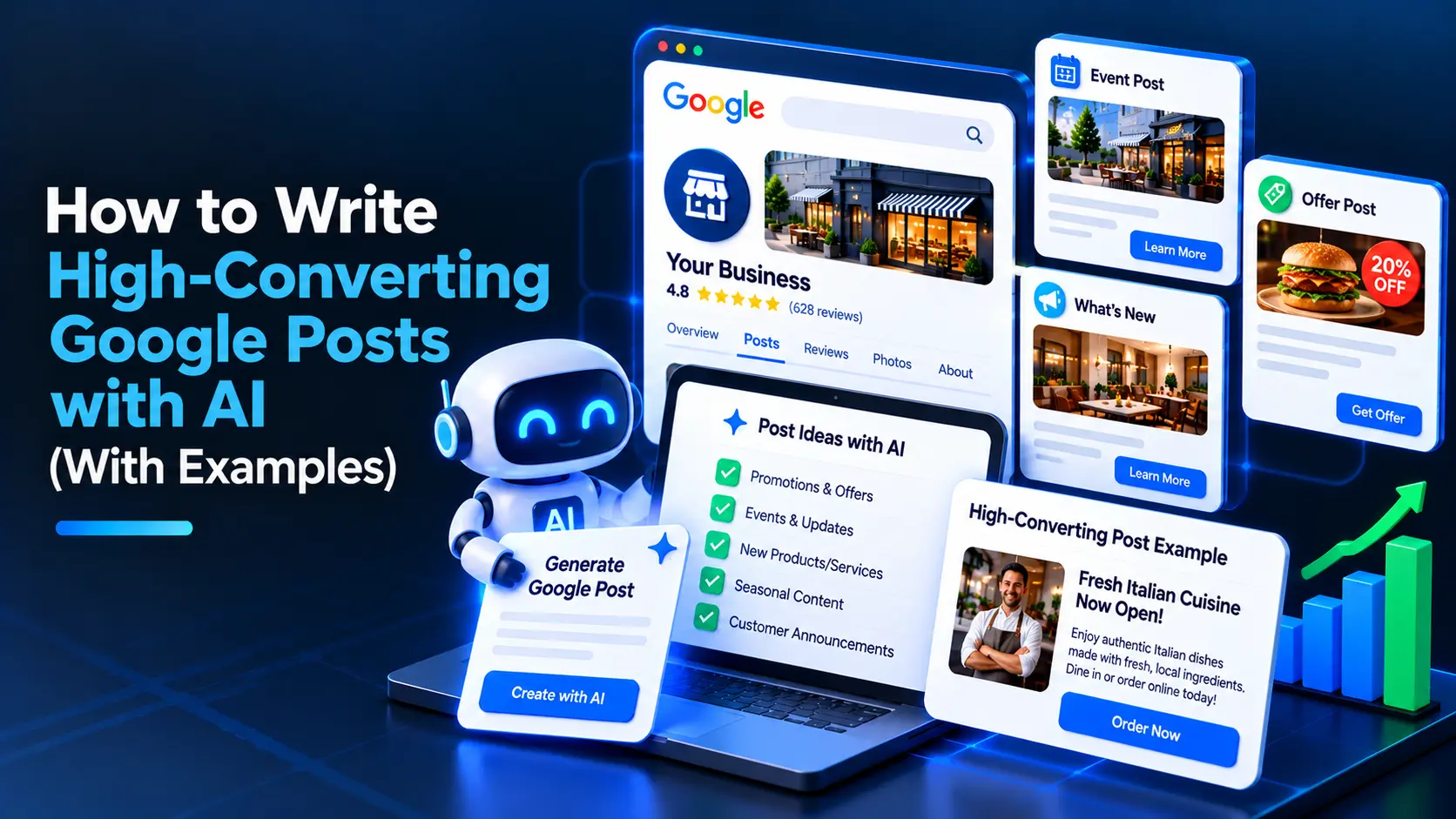
AI can help you write Google Posts faster by turning a clear offer, update, or event brief into concise copy tailored to your local audience. To get useful results, give the AI accurate business details, review every claim, and add a direct next step before publishing through your Google Business Profile.
What makes a Google Post convert?
A high-converting post helps a potential customer understand what you offer and what to do next. It is specific, timely, easy to scan, and consistent with the information on your Business Profile and website.
Before writing, decide what action you want readers to take. Common goals include:
- Calling to ask about a service
- Booking an appointment
- Ordering online
- Visiting your location
- Reading an important update
- Registering for an event
Choose one primary action per post. A post that tries to promote several services, announce an event, and ask for a review at once is harder to act on.
Which types of Google Posts can local businesses write?
Pick a post type that matches the message. Google Business Profile may offer different post options depending on the business and current product features, so check the options available in your account.
Updates
Use an update to share timely news, explain a service, or answer a common customer question. For example, a plumber might explain what to check before booking a water-heater inspection.
Offers
Use an offer to describe a genuine promotion, including its terms and any relevant dates. Make the conditions clear so customers know what is included and whether restrictions apply.
Events
Use an event post to promote a real event with accurate dates, times, and details. Include a registration or booking action if one is available.
How do you write Google Posts with AI?
AI works best as a drafting assistant, not as a source of business facts. Provide the details yourself, ask for a focused draft, and verify the result before publishing.
1. Choose the post goal
Write down the single action you want a reader to take. Be precise: “book a roof inspection” is more useful than “learn more about our company.”
2. Gather accurate details
Collect the information the AI needs, such as:
- Business type and service area
- The specific service, product, offer, or event
- Who it is for and what problem it addresses
- Dates, prices, eligibility, and terms, if applicable
- The destination for the call to action
- Any wording or claims that must be avoided
Do not include private customer information. If a service has limitations, provide them in the brief rather than expecting the AI to infer them.
3. Use a specific prompt
A useful prompt sets the audience, purpose, facts, tone, and output format. For example:
Write three Google Business Profile post drafts for a neighborhood dental clinic. The goal is to encourage adults who have delayed a routine cleaning to book an appointment. Mention that appointments are available by phone or through our booking page. Use a calm, helpful tone. Do not invent prices, availability, insurance details, or clinical claims. Keep each draft concise, use one clear call to action, and suggest a suitable post image. Do not use hashtags or exaggerated language.
Replace the example details with verified information about your business. If you use an AI Google Posts generator, provide the same kind of brief rather than relying on a one-line request such as “write a post for my business.”
4. Ask for alternatives, not more filler
Request a few distinct angles, such as a customer question, a service benefit, or a timely reminder. Compare the drafts and keep the one that is clearest and most relevant. Ask for a revision if a sentence is vague; do not add words just to make the post longer.
5. Edit and verify the draft
Check every detail against your actual services and policies. Confirm dates, prices, availability, service areas, and links. Remove unsupported promises, generic claims, awkward phrasing, and anything that sounds unlike your business.
6. Add the right image and action
Choose a clear, relevant image that represents the offer, service, product, or location. Avoid misleading visuals or text-heavy graphics that are difficult to read on a phone. Select the available button that best matches the goal, and make sure its link works on mobile.
7. Publish and review
Preview the post in your Business Profile, check how it reads on a small screen, and publish it when the details are correct. Review performance and customer responses over time, then use what you learn to improve future posts. Do not assume that a post alone will improve rankings or guarantee leads.
What should you avoid in AI-written Google Posts?
AI can produce polished copy that is still inaccurate or unsuitable. Watch for these common problems:
- Invented details: Remove fabricated prices, guarantees, credentials, availability, or service features.
- Keyword stuffing: Write naturally for customers. Do not repeat city names or search terms unnaturally, and do not add keywords to your business name unless they are part of its real-world name.
- Misleading offers: State the actual terms and dates. Do not present a limited or conditional deal as universally available.
- Unsupported claims: Avoid promises such as guaranteed outcomes unless they are accurate, permitted, and clearly qualified.
- Unclear calls to action: Tell readers what to do and link to the relevant page.
- Review incentives or gating: Do not offer rewards for reviews or ask only satisfied customers to leave them. Review requests should be impartial and follow Google’s policies.
- Unrelated content: Keep each post focused on your business and the action you want customers to take.
Google’s content and feature policies can change. Check the current Business Profile guidelines when you are unsure whether a claim, image, or promotion is allowed.
Google Posts examples for local businesses
These examples use placeholders where business-specific facts should be confirmed. Replace them with accurate details before publishing.
Home services update
Need help with a leaking tap? Our team handles plumbing repairs in [service area]. Call us to discuss the issue and arrange a visit.
Button: Call now
Why it works: It names a specific problem, identifies the service area, and gives readers a direct next step without promising an unverified response time.
Restaurant offer
Weeknight dinner special: Try [dish or menu item] at [restaurant name] from [start date] to [end date]. See the full terms and menu before ordering.
Button: Order online
Why it works: The offer is concrete, while placeholders prompt the business to verify the item and dates. Add any eligibility or availability conditions before publishing.
Professional service update
Preparing for your first tax appointment? Bring your income documents and a list of questions so we can make the most of your meeting. Book a consultation with [business name].
Button: Book
Why it works: The post offers practical guidance and connects it to a relevant service. Confirm that the suggested documents suit the clients you serve.
Retail event
Join us for a [event name] at [store name] on [date]. Explore [accurate event details] at [location]. Check the event page for timing and registration information.
Button: Learn more
Why it works: It makes the event and next step easy to understand. Add the verified time, any entry requirements, and a working event link before publishing.
How often should you publish Google Posts?
There is no universal posting schedule that fits every business. Choose a pace you can maintain, and prioritize current, useful information over posting just to meet a quota.
A practical routine is to:
- Plan posts around real events, seasonal services, new offerings, and timely customer questions.
- Check that offers and event details are still valid before they go live.
- Remove or update content that is no longer accurate.
- Keep a record of the topic, call to action, and destination link so you can compare approaches.
If you manage multiple locations, use a review process to confirm that each post has the right local details. Scheduling tools can help organize publishing, but they do not replace fact-checking. For planning and publishing posts across a profile workflow, see Google Post Scheduler.
How can you improve Google Posts over time?
Treat each post as a small test of messaging, not as proof that one phrase works for every customer. Compare posts with similar goals and look for useful signals, such as clicks, calls, bookings, or customer questions, where those measures are available to you.
Use the results to ask practical questions:
- Did the post explain the offer or service clearly?
- Was the call to action appropriate?
- Did the link lead to a page that matched the post?
- Did customers ask questions the post could have answered?
- Was the information still accurate throughout the post’s life?
Also review your wider profile for missing or outdated details. A post cannot compensate for incorrect hours, an incomplete service list, or inconsistent contact information. For a structured profile review, use the 30-point Google Business Profile audit checklist and the free Google Business Profile audit.
Frequently asked questions
Can AI write Google Posts for my business?
Yes. AI can draft post copy from a clear brief, but you should verify every business detail, claim, date, and link before publishing. Treat it as a writing assistant rather than a source of facts.
What should I include in an AI prompt for a Google Post?
Include your post goal, audience, verified service or offer details, tone, call to action, and any claims the AI must avoid. Ask for concise drafts and specify that it should not invent prices, availability, or results.
How long should a Google Business Profile post be?
Keep the message concise enough to scan quickly, with the main benefit and action easy to find. Check the current character limits and display in your Business Profile when publishing, as product requirements can change.
Do Google Posts help local SEO rankings?
Google Posts can share timely information and make it easier for customers to take action from your profile, but you should not treat them as a guaranteed ranking boost. Keep your profile accurate and useful across all fields.
Can I use AI to generate review requests in Google Posts?
You can use AI to draft neutral review-request wording, but follow Google’s review policies. Do not offer incentives or ask only customers you expect to be satisfied to leave a review.