Best Practices for Setting Up Automated SMS and Email Review Requests
Set up automated review requests with a reliable customer-experience trigger, appropriate timing, a neutral message, and a direct link to the correct review page. Use consent checks, opt-out handling, frequency limits, and consistent eligibility rules to avoid duplicate messages and review gating.
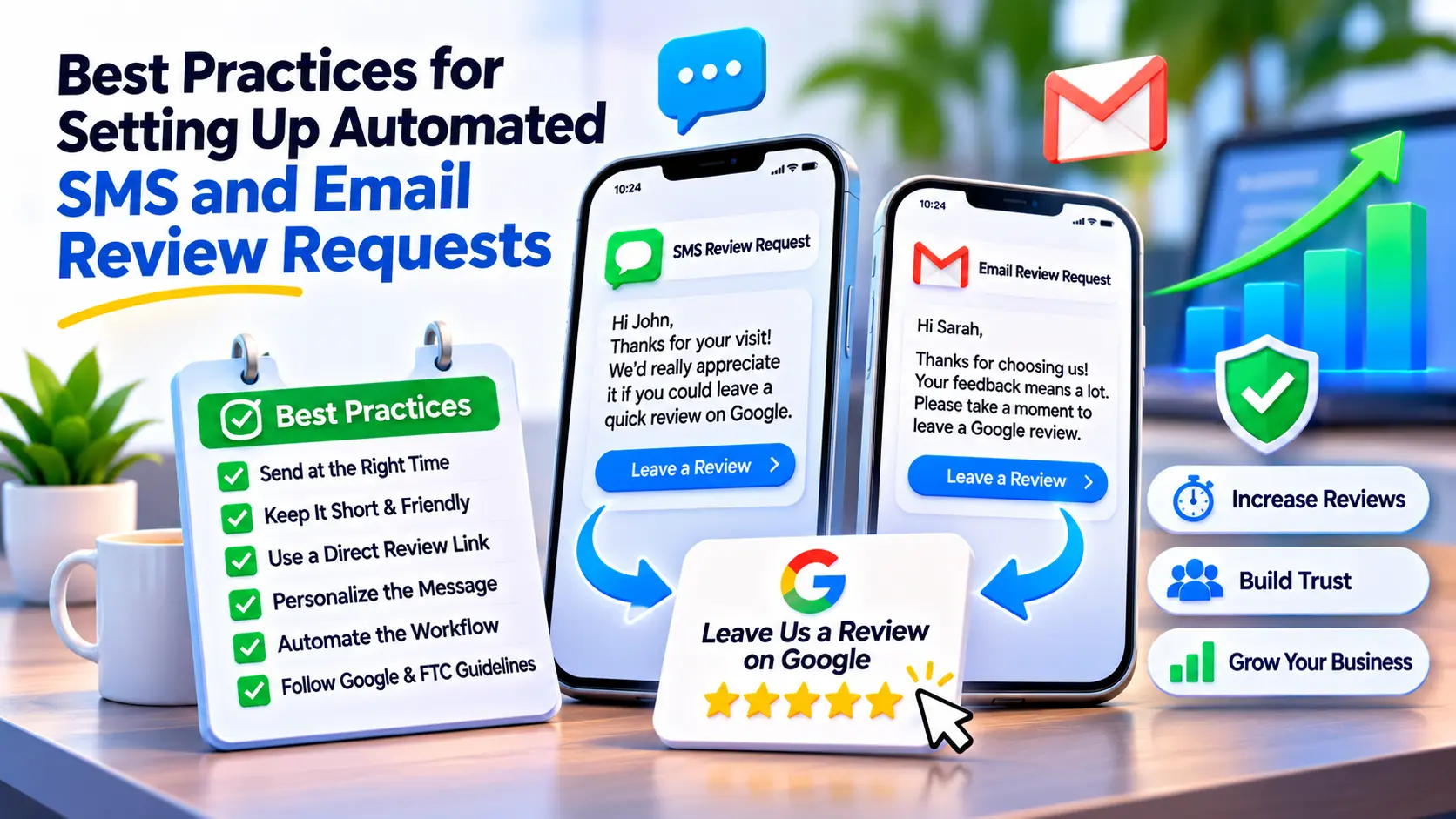
Automated review requests work best when they reach customers soon after a real interaction, use a clear and neutral invitation, and make it easy to leave feedback without steering the customer toward a positive review. Set up SMS and email around customer consent, timing, a simple review link, and follow-up limits, then monitor delivery and response quality.
What are automated review requests?
Automated review requests are messages sent by software after a customer interaction, such as a completed appointment, purchase, or service visit. They invite the customer to share an honest review on a public platform, usually through a direct link.
Automation helps teams send requests consistently across locations and staff. It does not remove the need to follow platform rules, privacy requirements, or customer communication preferences. A good system asks every eligible customer on the same basis and does not try to filter out people who may be unhappy.
How should you set up automated review requests?
Start with the customer journey, not the message template. Decide which completed interactions qualify, when a request should be sent, which channel is appropriate, and how you will prevent duplicate or unwanted messages.
1. Choose a clear trigger
Use a reliable event that indicates the customer has received the product or service. Examples include a completed appointment, a fulfilled order, or a closed service ticket. Avoid triggers such as a quote request or an appointment booking if the customer has not yet experienced the service.
Document exceptions, such as cancelled appointments, refunded orders, or unresolved support cases. Apply the same eligibility rules to all customers in the relevant group. Do not use satisfaction surveys or staff judgment to send review requests only to customers expected to leave positive feedback.
2. Set a sensible send time
Send the invitation while the experience is still easy for the customer to recall, but not while they are busy receiving the service. The right delay depends on the business: a completed repair may call for a different interval than a delivered product or a recurring appointment.
Test timing with a small, representative group and look at delivery, response, complaints, and opt-outs. If a customer needs time to use a product before evaluating it, wait until they have had a reasonable opportunity. Avoid sending requests late at night or at a time that conflicts with the customer's expectations.
3. Select the right channel
SMS can be convenient when customers have provided a mobile number and agreed to receive messages. Email works well when you already communicate with customers there or need room to explain the request. Some businesses use one channel by default and a second only when the first is unavailable or has not resulted in a response.
Do not assume that having a phone number or email address means you have permission to send marketing messages. Check the rules that apply to your location and message type, record consent where required, and honor opt-outs promptly. Keep review invitations distinct from promotional campaigns unless your consent and compliance process supports combining them.
4. Make the request neutral and direct
Use plain language that explains why the customer is receiving the message and what action they can take. Ask for an honest review, not a five-star review. Do not offer a discount, gift, contest entry, or other incentive in exchange for a review.
A useful message includes:
- Your business name, so the recipient recognizes the sender.
- A brief reference to the completed interaction, where appropriate.
- A neutral invitation to share an honest experience.
- One clear link to the review destination.
- A simple way to opt out of future messages when required.
For example: “Thanks for choosing [Business]. If you’d like, share an honest review of your recent visit: [review link]. Reply STOP to opt out.” Adapt the wording to your channel, consent process, and applicable requirements.
5. Link directly to the correct review page
Use the official review link for the intended business location and platform. Test it on a mobile device and confirm that it opens the correct profile without requiring unnecessary steps. A link to a general homepage or a list of review sites can make the task harder.
For a business with multiple locations, map each customer to the correct location before sending. Check location changes, duplicate profiles, and staff workflows so a customer is not directed to a nearby branch they did not visit. A review-request workflow can help coordinate these steps across locations; LocalRanks Pro Review Requests is one option for managing that process.
How do you write effective SMS and email review requests?
Keep the message brief, recognizable, and easy to act on. The customer should understand who is asking, why they are being contacted, and where the link goes.
SMS best practices
- Identify the business in the opening words.
- Keep the request to one main action.
- Use a short, tested link that opens correctly on mobile.
- Avoid repeated texts if the customer does not respond.
- Include required sender and opt-out information.
Email best practices
- Use a recognizable sender name and a subject line that describes the request.
- Keep the body short, with the review link easy to find.
- Make the email readable on mobile and accessible to assistive technology.
- Include required business details and unsubscribe options.
- Do not disguise the request as a receipt, account alert, or personal message.
Avoid pressure, guilt, and language that implies the customer should leave a positive rating. Do not ask customers to include specific keywords, staff names, or phrases in their review. Google prohibits review manipulation, including incentives and selectively soliciting positive reviews; its policies also prohibit review gating, which means directing only satisfied customers to public review sites while routing unhappy customers elsewhere.
How can you prevent duplicate, mistimed, or unwanted requests?
Build safeguards into the workflow before turning it on. Common controls include:
- Eligibility rules: Exclude cancelled, refunded, or otherwise ineligible transactions using consistent criteria.
- Deduplication: Send no more than one request for the same completed interaction, even if multiple systems update the record.
- Frequency limits: Set a reasonable cap for repeat customers so regular visits do not create a stream of messages.
- Suppression lists: Exclude customers who opted out or whose contact details should not be used.
- Failure handling: Check for invalid numbers, bounced emails, and delivery errors rather than repeatedly retrying.
- Location matching: Confirm that each request uses the review link for the correct business profile.
Keep a record of the trigger, channel, send time, delivery status, and opt-out where appropriate. Limit access to customer contact data and retain it only as long as your policies and legal obligations require.
How should you measure automated review requests?
Review the full process, not just the number of reviews received. Useful measures include eligible customers, messages sent, delivery failures, opt-outs, customer complaints, review-link visits where measurable, and reviews posted. Compare results by channel, timing, and location, but avoid treating a low response as a reason to pressure customers or target only likely promoters.
Use small, controlled tests when changing one element, such as send timing or subject line. Keep the request neutral in every version, and stop a test if it increases complaints or opt-outs. Review the workflow regularly for outdated links, changes to consent status, duplicate sends, and location mapping errors.
Reviews are only one part of local visibility. Respond to feedback professionally and consistently, including critical reviews, without revealing private customer information. A review-management workflow can help teams keep responses organized; LocalRanks Pro Review Management & AI Replies is designed for that task.
What should you check before launch?
Use this checklist before enabling automation:
- The trigger represents a completed customer experience.
- Eligibility rules apply consistently and do not screen for sentiment.
- The channel and contact data are appropriate for the customer's consent and applicable laws.
- The message asks for an honest review without incentives, pressure, or keyword instructions.
- The review link opens the correct platform and location on mobile.
- Opt-outs, frequency limits, duplicate prevention, and delivery failures are handled.
- A team member owns monitoring, issue resolution, and periodic policy checks.
Automated review requests should make it easier for customers to share genuine feedback, not manufacture a particular rating. A neutral invitation, accurate timing, reliable links, and careful safeguards create a process that is useful to customers and manageable for the business.
Frequently asked questions
When should I send an automated review request?
Send it after the customer has completed the service or had a fair chance to use the product. Choose a delay that fits the experience, then review delivery, responses, complaints, and opt-outs.
Can I send review requests by SMS?
Yes, if SMS is appropriate for the customer and you meet applicable consent, disclosure, and opt-out requirements. Having a customer's phone number alone does not necessarily mean you have permission to text them.
Can I offer a discount for leaving a review?
No. Google prohibits incentives in exchange for reviews, and incentives can undermine the credibility of customer feedback. Ask for an honest review without offering a reward or requiring a positive rating.
Is it okay to ask only satisfied customers for a Google review?
No. Sending public review links only to customers expected to be happy is review gating. Use consistent eligibility rules and invite all qualifying customers to share honest feedback.
How many review request reminders should I send?
Use a conservative follow-up policy and avoid repeated messages that could annoy customers. Set frequency limits, honor opt-outs, and assess complaints and unsubscribes as well as review activity.
Should I ask customers to include keywords in their reviews?
No. Ask customers to describe their genuine experience in their own words rather than directing them to use specific keywords or phrases. This keeps the request neutral and avoids trying to manipulate review content.