Best Practices for Setting Up Automated SMS and Email Review Requests
Learn how to set up automated review requests across SMS and email with practical guidance on timing, consent, message copy, reminders, Google policies, and performance tracking.
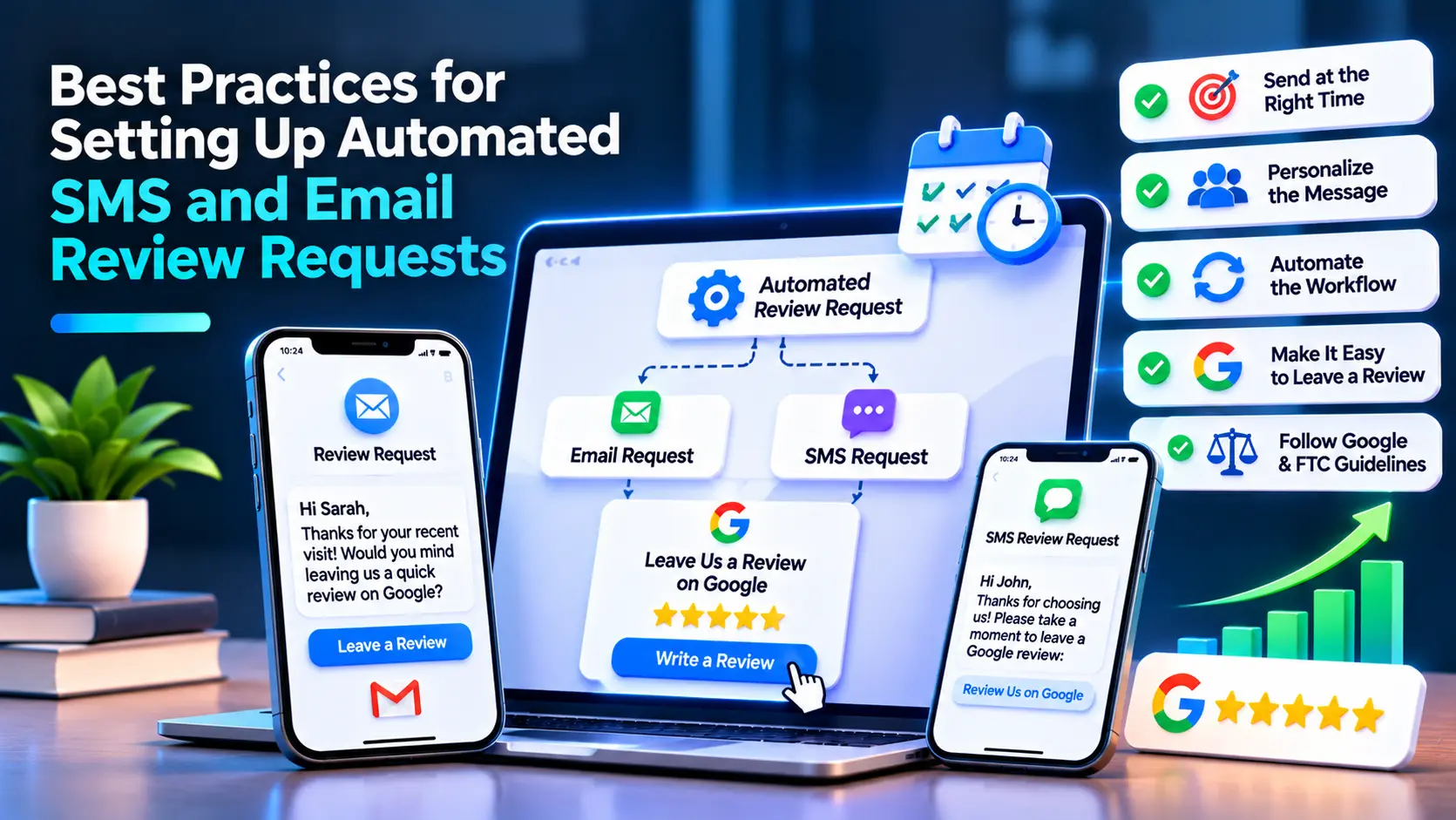
Automated review requests work best when they reach every eligible customer at the right time, make leaving feedback simple, and follow platform rules. Set up a consistent process across SMS and email, ask for an honest review without steering the customer toward a positive rating, and monitor responses so you can improve the experience and address concerns.
What are automated review requests?
Automated review requests are messages sent to customers after a purchase, appointment, service visit, or other meaningful interaction. They invite the customer to share an honest review on a platform such as Google.
Automation handles the timing and delivery, but it should not make the request feel impersonal. A clear message, a relevant send time, and a direct review link are usually more useful than a long sequence of reminders.
How should you plan an automated review request workflow?
Start by deciding who should receive a request, when it should be sent, and which review destination you want customers to use. Write these rules down before building the automation so your team can check that the workflow is consistent and compliant.
Choose the right trigger
Use a trigger that reflects a completed customer interaction, not just a new lead or an unfulfilled order. Depending on the business, appropriate triggers may include:
- A completed appointment or service call
- An order marked delivered or picked up
- A completed checkout or project milestone
- A customer record marked as served in your CRM
Avoid sending a request while a service is still in progress or before the customer has had a reasonable chance to use a product. For services with a longer outcome period, wait until the customer can fairly assess the experience.
Set eligibility and suppression rules
A reliable workflow needs rules for who should not receive a message. Suppress requests when a customer has opted out of marketing messages, has already received a request for the same transaction, or has an unresolved issue that makes an immediate follow-up inappropriate.
Do not use a satisfaction survey or internal score to decide who gets a public review link. Asking only customers who say they are happy to post on Google is review gating. Instead, invite all eligible customers to leave an honest review, regardless of their experience.
Pick one primary review destination
Choose the platform most useful to your local business, often your Google Business Profile. Link directly to the review form where possible, and test the link on a phone before launching the workflow.
If you ask customers to choose among several platforms, keep the options easy to understand and do not direct positive reviewers to one site while sending unhappy customers elsewhere. The request should give everyone the same opportunity to share feedback publicly.
When should you send an SMS or email review request?
Send the request soon enough that the interaction is still easy to recall, but not so soon that the customer has not experienced the service or product. The right delay depends on the type of business and the customer journey.
For a completed appointment, a message later that day or the following day may be appropriate. For a delivered product, allow time for delivery and use. For a project, wait until the agreed milestone or completion point. Treat these as starting points, then adjust based on customer responses and operational context.
Consider local time zones, business hours, and the channel the customer expects you to use. Avoid sending late at night or stacking a review request with several other automated messages.
How do you write an effective SMS review request?
SMS is brief and direct, so identify your business and explain why you are contacting the customer. Include one clear action and a working link.
A simple template is:
Hi [First name], thanks for choosing [Business name]. Would you share an honest review of your recent [visit/order]? [Review link]
Before sending, check that the message:
- Names the business clearly
- Refers to a real, completed interaction
- Asks for an honest review rather than a positive one
- Uses a short, tested link that opens the correct review page
- Includes any required opt-out language for the type of message and jurisdiction
SMS rules vary by location and message type. Obtain the required consent before texting, honor opt-outs promptly, and consult applicable laws and carrier requirements. Do not assume that a phone number collected for an appointment automatically permits promotional texts.
How do you write an effective email review request?
Email gives you more room to add context, but the request should still be easy to scan. Use a recognizable sender name, a subject line that accurately describes the message, and a prominent link or button.
A practical email structure is:
- Thank the customer for the specific visit, order, or service.
- Explain that you welcome honest feedback.
- Add one clear link to the review page.
- Provide a way to contact your business if they need help.
For example:
Subject: How was your recent visit to [Business name]?
Thanks for choosing us for [service]. If you have a moment, please share an honest review of your experience: [Leave a review]. If you need help with anything, contact us at [contact details].
Keep the message focused on the review request. Avoid adding unrelated promotions that could make the purpose unclear, and make sure the email complies with applicable email marketing and privacy requirements.
Should you send both SMS and email?
Use the channel the customer has agreed to receive and is most likely to notice. If you use both, coordinate them so the customer does not receive duplicate requests close together.
A sensible approach is to choose one primary channel and use the other only when appropriate. For example, send an email first and a single SMS reminder later only if the customer has consented to texts and has not already reviewed. Set a frequency limit across channels, not just within each individual automation.
Track requests by transaction or customer so a repeat purchase does not accidentally trigger multiple messages for the same experience. Also suppress follow-ups after a review is submitted when your systems can reliably identify that action.
How many reminders should you send?
Keep reminders limited. A single follow-up may be reasonable if the customer has not responded, but repeated messages can feel intrusive and harm trust.
Set a quiet period between the original request and any reminder. Stop the sequence when the customer opts out, responds, or reaches your defined message limit. Review the workflow periodically to confirm that reminders are not going to people who have already left feedback.
How do you stay compliant with Google review policies?
Google permits businesses to ask customers for reviews, but the request must not manipulate what customers say or who gets asked. Keep the process neutral and consistent.
Follow these principles:
- Do not offer discounts, gifts, contest entries, or other incentives in exchange for reviews.
- Do not ask only satisfied customers to post publicly or divert dissatisfied customers to a private form instead.
- Do not ask customers to include specific keywords, staff names, or claims in their reviews.
- Do not write reviews for customers or pressure them to change or remove an honest review.
- Do not make a review a condition of receiving a service, refund, or benefit.
You can invite customers to share specific feedback in their own words, but avoid scripting the content. If a customer raises a concern, respond professionally and try to resolve it without asking them to alter their review as a condition of help.
How should you measure automated review requests?
Measure the workflow as a customer communication process, not only by the number of reviews received. Useful indicators include delivery and bounce rates, opt-outs, link clicks, reviews received, and the time between a completed interaction and a review.
Compare results by channel, trigger, and message version, while keeping the audience and timing rules fair. A high click rate with few completed reviews may point to a broken link or a confusing destination. A rise in opt-outs may signal that messages are too frequent, poorly timed, or unexpected.
Do not judge success by star rating alone. The goal is to make it easy for customers to share honest feedback and to learn from what they say. Review responses and recurring themes can reveal service issues that a delivery metric will not show.
How do you manage reviews after they arrive?
Assign someone to monitor new reviews and respond in a timely, professional way. Thank customers for positive feedback without repeating a canned response, and acknowledge concerns without disclosing private customer information.
Use recurring feedback to identify operational changes. If customers repeatedly mention unclear appointment instructions, long waits, or difficulty reaching your team, address the underlying issue and update the relevant customer communications.
Local businesses that want to coordinate review invitations and monitor feedback can use LocalRanks Pro Review Requests alongside a process for managing incoming reviews. Keep a human review of message rules and responses, especially when automation handles multiple locations or customer journeys.
What should you check before launching?
Test the complete workflow with internal records before sending it to customers. Confirm that the trigger fires only after the right event and that the message, timing, destination, and suppression rules work as intended.
Use this launch checklist:
- The trigger represents a completed customer experience.
- The review invitation goes to all eligible customers, not only satisfied ones.
- SMS consent, opt-outs, and applicable email requirements are handled.
- The review link opens the correct page on mobile and desktop.
- Duplicate requests and excessive reminders are prevented.
- Message copy asks for an honest review without incentives or suggested wording.
- Someone is responsible for monitoring feedback and maintaining the workflow.
Once the automation is live, check it regularly. Update links when platforms or business locations change, review suppression logic, and pause the workflow if it begins sending messages at the wrong time. A well-maintained system makes it easier for customers to leave honest feedback while protecting their trust in your business.
Frequently asked questions
What is the best time to send an automated review request?
Send it after the customer has completed the relevant experience and had enough time to assess it. The ideal delay depends on the business, so test timing without sending before a product or service can reasonably be evaluated.
Can I offer a discount for a Google review?
No. Do not offer discounts, gifts, contest entries, or other incentives in exchange for Google reviews. Ask customers for honest feedback without influencing whether they post or what they say.
Is review gating allowed?
No. Review gating means screening customers and directing only those who report a positive experience to leave a public review. Invite all eligible customers to share honest feedback through the same public review process.
Should I request reviews by SMS or email?
Use the channel the customer expects and has consented to receive. If you use both, coordinate timing, limit reminders, and prevent duplicate requests across channels.
How many review request reminders should I send?
Keep reminders limited; one follow-up may be appropriate if the customer has not responded. Stop the sequence after an opt-out, a response, or your defined message limit, and avoid repeated requests for the same experience.
Can I ask customers to include keywords in their reviews?
No. Do not script reviews or ask customers to include specific keywords, staff names, or claims. Invite them to describe their experience in their own words.