How to Use AI to Draft Professional Replies to Negative Google Reviews
Use an AI review response generator to create a first draft for negative Google reviews, then verify facts, protect customer privacy, and personalize the reply before posting. This guide covers prompts, examples, policy risks, and a practical approval workflow for reputation managers.
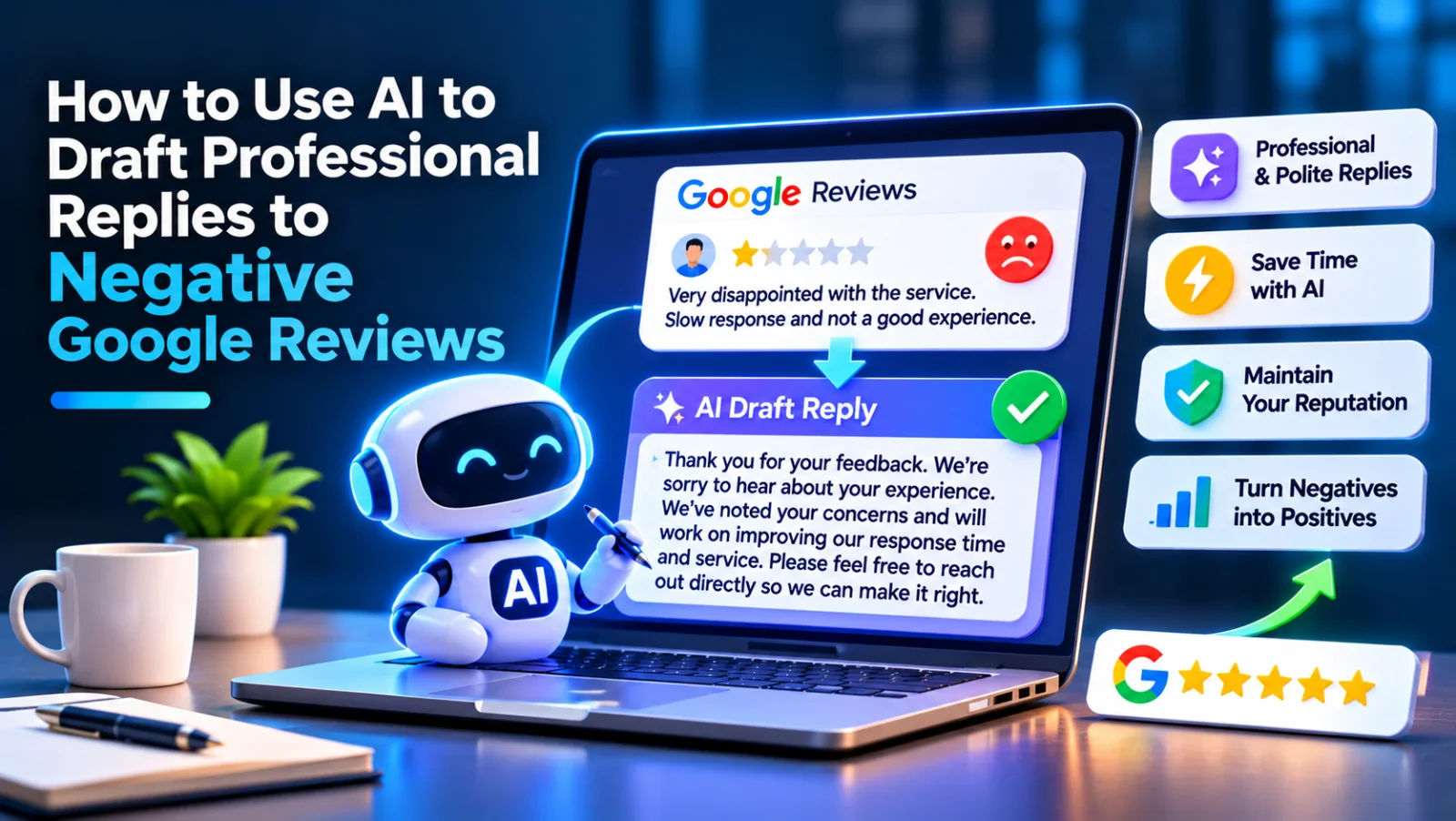
An AI review response generator can help you draft a calm, professional reply to a negative Google review, but a person should verify every detail before posting. Use it to organize the response—not to argue, reveal private information, offer incentives, or publish a generic message that ignores the reviewer’s concern.
Why respond to negative Google reviews?
A thoughtful public reply shows the reviewer and future customers that your business takes feedback seriously. It can also open a path to resolving the issue privately, where you can discuss account details or other sensitive information.
A response cannot guarantee that a reviewer will change or remove a review. Focus on what you control: acknowledge the concern, explain the next step, and follow through offline.
What should a professional reply to a negative review include?
A useful reply is brief, specific to the concern, and respectful. It should avoid blaming the customer or making claims you cannot verify.
Include these elements when they fit:
- A courteous opening: Thank the reviewer for sharing feedback, without sounding dismissive.
- Acknowledgment: Name the issue they raised, such as a delayed appointment or a billing concern.
- Appropriate accountability: Apologize for the experience when warranted. You can express regret without admitting to facts you have not confirmed.
- A next step: Offer a direct way to continue the conversation, such as contacting a manager by phone or email.
- A human sign-off: Use your name or role if that suits your business’s reply policy.
Avoid repeating the complaint in detail if it could expose personal information. Do not include order numbers, appointment details, health information, or other customer data in a public response.
How to use an AI review response generator
AI is most useful when you give it clear, privacy-safe context and treat its output as a draft. Use this workflow for each review:
1. Read the review and identify the issue
Before prompting AI, determine what the reviewer is actually concerned about. Separate the stated problem from assumptions about why it happened. A review might mention a long wait, for example, without explaining the cause.
Check your internal records through the appropriate private channels. Do not paste names, contact details, account information, or sensitive records into an AI tool unless your organization has approved that tool and its data practices.
2. Choose the right response goal
Decide what the public reply should accomplish. Common goals include acknowledging a service concern, correcting a clear factual misunderstanding without arguing, or inviting the reviewer to contact a manager to discuss details privately.
If the review alleges a serious safety, legal, or privacy issue, follow your escalation process before replying. AI should not make decisions about liability, refunds, or regulated matters.
3. Give the AI limited, factual context
Provide only information that is safe to share and that you have verified. For example, tell the tool that the review concerns a missed appointment and that a manager can be reached through the business’s published contact channel. Do not ask it to invent a reason or promise a remedy that has not been approved.
4. Use a focused prompt
A prompt can help the tool produce a more useful first draft. Try adapting this template:
Draft a concise, professional public reply to this negative Google review. The concern is [brief issue]. Our verified response is [approved facts only]. Acknowledge the concern, use a calm and respectful tone, and invite the reviewer to contact [approved contact or role] so we can look into it privately. Do not argue, speculate, disclose personal information, promise an unapproved outcome, or add keywords for SEO. Keep the reply natural and specific.
If you do not have verified facts, say so in the prompt. Ask for a reply that acknowledges the concern and offers a private contact route without claiming to know what happened.
5. Edit for accuracy and your brand voice
Read the draft as if you were the reviewer. Remove anything that sounds defensive, overly formal, repetitive, or unlike your business. Confirm that every factual statement and proposed next step is accurate and authorized.
Do not publish a reply simply because it sounds polished. AI can misunderstand the review, invent details, or produce language that appears to admit fault or make a promise. A human reviewer remains responsible for the final response.
6. Post and follow through
Publish the approved reply through your Google Business Profile workflow. If you invited the reviewer to contact you, make sure the right person is prepared to respond. A public apology followed by no private follow-up can make the experience worse.
For teams handling reviews across locations, LocalRanks Pro’s review management and AI replies can support a consistent workflow. Keep human approval in place, especially for sensitive or disputed reviews.
How to reply to common types of negative reviews
The right wording depends on what the reviewer says and what you can verify. These examples are starting points, not scripts to post unchanged.
When the reviewer reports poor service
Acknowledge the experience and invite a private conversation. For example: “Thank you for sharing this feedback. We’re sorry your interaction did not meet expectations. Please contact our manager through the details on our profile so we can learn more and follow up.”
Do not say that an employee has been disciplined or disclose internal personnel matters. Address those issues privately through your normal process.
When the reviewer reports a delay or missed appointment
Recognize the inconvenience without guessing at the cause: “We understand that waiting or a missed appointment can disrupt your day, and we’re sorry for the frustration. Please contact us directly so we can review what happened and discuss next steps.”
Only mention a specific cause if it has been confirmed and is appropriate to share publicly.
When you cannot find a matching customer record
Avoid accusing the reviewer of being dishonest or claiming they were never a customer. You could say: “We’d like to understand more about your experience, but we can’t identify the situation from this review alone. Please contact us directly with details so our team can look into it.”
Keep the request for identifying details off the public thread.
When the review appears to be about the wrong business
Stay neutral and ask for clarification rather than making an accusation. For example: “We’re unable to match the experience described to our records and want to make sure we understand your concern. Please contact us directly so we can look into it.”
If you believe a review violates Google’s policies, report it through the appropriate Google process. Do not use the reply to threaten the reviewer or demand removal.
What should you avoid in AI-generated review replies?
Review every draft for these common problems before posting:
- Generic language: A reply that could fit any complaint may seem automated or insincere.
- Arguments and blame: Do not debate the reviewer point by point or accuse them of lying.
- Unverified claims: AI should not invent a cause, investigation, refund, or resolution.
- Private information: Keep personal, financial, health, and account details out of public replies.
- Keyword stuffing: Do not force city names, service keywords, or promotional phrases into a response. Business names should also follow Google’s rules and should not be padded with keywords.
- Incentives or pressure: Do not offer a reward for changing or removing a review, and do not pressure customers to edit their feedback.
- Review gating: Do not ask only satisfied customers to leave public reviews or direct unhappy customers away from Google while sending happy customers to post. Review requests should be neutral and offered consistently.
For a compliant review-generation process, read How to Get More Google Reviews Without Violating FTC & Google Gating Rules before setting up requests or staff guidance. Follow current Google policies and applicable consumer-protection requirements; platform rules can change.
How can reputation managers keep replies consistent?
Consistency does not mean sending identical replies. Create a response policy that helps staff make sound decisions while leaving room to address each review’s actual concern.
A practical policy can define:
- Who may draft, approve, and publish replies.
- Which issues require manager, legal, privacy, or safety review.
- Approved contact routes and escalation steps.
- What information must never appear in a public response.
- How quickly the team aims to review new feedback, based on staffing and business needs.
- How to document follow-up without copying sensitive details into public tools.
Use a small set of tone guidelines, such as calm, direct, and respectful, rather than a rigid script. Review a sample of published replies periodically to catch repeated wording, missed follow-ups, or inaccurate promises. If multiple locations share a profile-management process, make sure local teams know which details they may verify and which decisions require central approval.
How do you know whether your response process is working?
Judge the process by service and quality, not by whether a reviewer changes a rating. Track whether reviews are acknowledged, whether promised follow-ups happen, and whether recurring complaints are reaching the appropriate operations team.
A reply is one part of reputation management. Use review themes to identify issues that may need a service, staffing, communication, or policy change. Do not treat AI-generated wording as a substitute for fixing the underlying problem.
A final checklist before publishing
Before posting an AI-assisted reply, confirm that it:
- Addresses the concern the reviewer actually raised.
- Uses only verified facts and approved commitments.
- Sounds respectful and specific rather than automated.
- Protects the reviewer’s privacy.
- Offers a realistic next step when one is needed.
- Avoids arguments, incentives, review gating, and keyword stuffing.
- Has been checked by an authorized person who can ensure follow-up happens.
An AI review response generator can save drafting time, but the best reply still depends on good judgment. Use AI to create a starting point, verify the facts, personalize the language, and take the conversation to a private channel when details need to be discussed.
Frequently asked questions
Can I use AI to reply to negative Google reviews?
Yes, AI can help draft a reply, but a person should verify the facts and approve the final wording before it is posted. Do not provide sensitive customer information unless your organization has approved the tool and its data practices.
What should I say in a reply to a negative Google review?
Acknowledge the concern, respond respectfully, and offer a realistic next step, such as contacting a manager privately. Keep the reply brief and avoid arguing, speculating, or sharing personal details.
Should I apologize in a reply to a negative review?
You can express regret for the reviewer’s experience when appropriate, without claiming unverified facts. Check your organization’s approval process before making statements about responsibility, refunds, or other remedies.
Can I ask a reviewer to remove or change a negative review?
Do not pressure or incentivize a reviewer to change or remove feedback. You may address the concern and invite a private conversation, but any request to update a review must not be tied to a reward or coercion.
How quickly should a business respond to a negative Google review?
Respond as promptly as your team can while still checking the facts and following approval requirements. For serious allegations or sensitive matters, escalate the review before posting rather than rushing out an unverified reply.