How to Spot, Report and Respond to Fake Google Reviews
Learn how to identify reviews that may violate Google’s policies, report them through the right channels, and respond professionally while you wait. Includes practical steps for documenting evidence and avoiding review practices that can put your profile at risk.
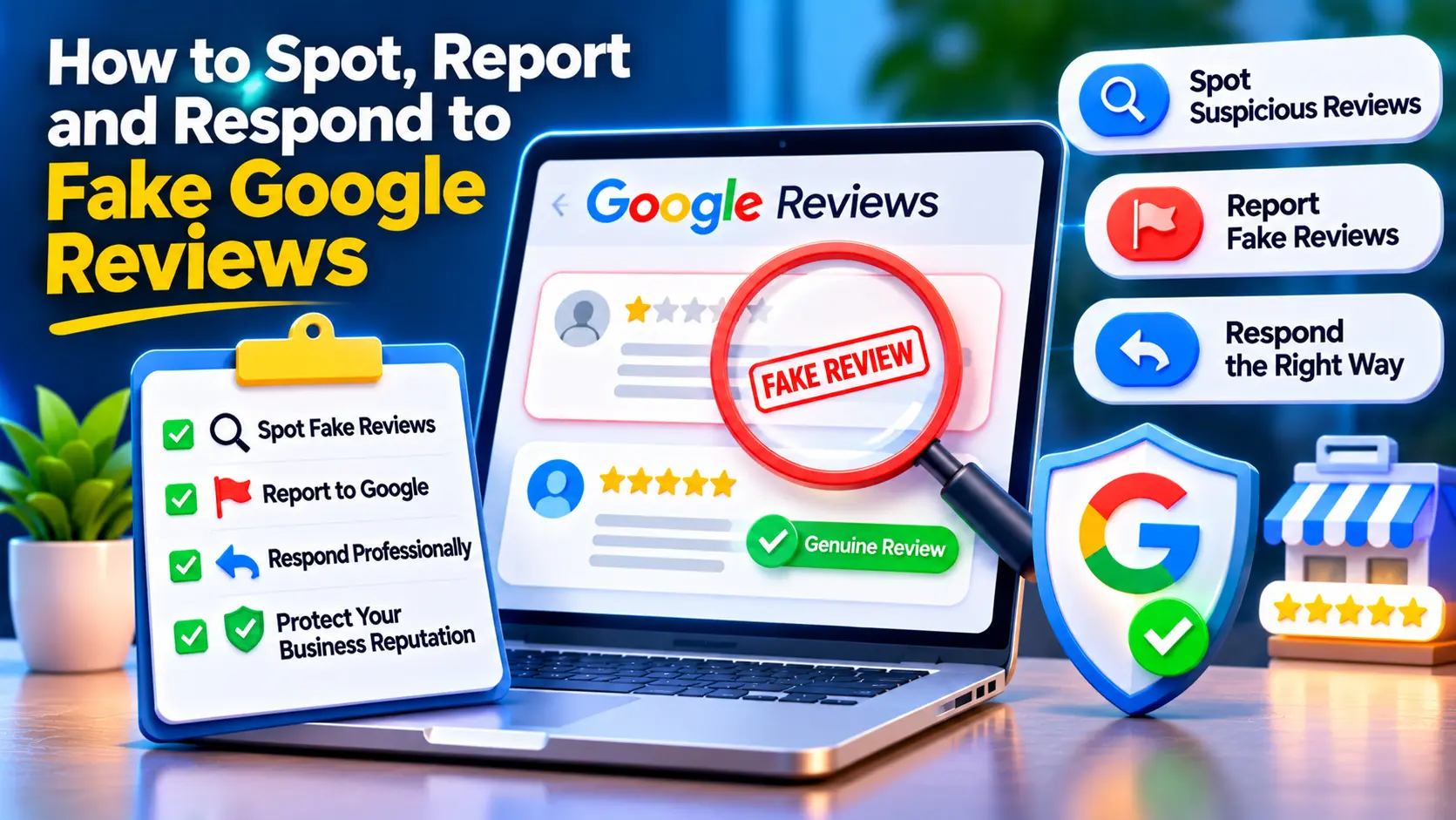
Fake Google reviews can be reported through your Google Business Profile or Google’s Reviews Management Tool, but a low rating or an unfair opinion alone is not enough for removal. First check whether the review breaks Google’s content policies, save evidence, report it through the correct channel, and respond calmly while you wait.
What counts as a fake Google review?
A review may be eligible for removal when it violates Google’s policies, not simply because it is negative, inaccurate, or damaging to your business. Google generally allows people to describe genuine experiences, including critical ones.
Potential policy violations include:
- Reviews from someone who was not a genuine customer or did not have a real experience with the business.
- Spam, repetitive content, or reviews posted to manipulate a business’s rating.
- Reviews connected to a conflict of interest, such as a competitor or someone with a personal or professional relationship to the business.
- Harassment, threats, hate speech, or personal information that should not be published.
- Content that is off-topic or promotes unrelated products or services.
- Reviews posted in exchange for money, discounts, free products, or other incentives.
A reviewer can be mistaken about a detail and still be describing a real experience. Google—not the business owner—decides whether a review violates its policies.
How to spot a fake Google review
Look for patterns and verifiable context rather than relying on tone or star rating. A harsh review can be genuine, and a polite review can still be fake.
Check for signals such as:
- No matching appointment, order, service record, or customer interaction after checking your records carefully.
- A review that describes a service, location, or event your business does not offer or operate.
- Nearly identical wording appearing across multiple reviews or businesses.
- A sudden cluster of reviews that appears coordinated, especially when the content is repetitive or unrelated to actual services.
- A reviewer who appears to have a direct conflict of interest, where you have reliable evidence of that connection.
- Personal attacks, threats, promotional links, or other content that clearly falls outside a review of a customer experience.
These are clues, not proof. A customer may use a different name on Google, and a legitimate customer may leave only a brief review. Avoid publicly accusing someone of being a competitor or a fake reviewer unless you can substantiate the claim—and even then, keep the response professional.
How to report fake Google reviews
Use the review reporting process for the specific review. Reporting it does not guarantee removal, but it gives Google a chance to assess the content against its policies.
1. Save the details
Before reporting, record the reviewer’s displayed name, the review text, the date, and a link or screenshot if available. Keep relevant business records, such as booking or order information, in case Google requests more context. Do not publish private customer information in your response or report unless Google’s process specifically asks for it through an appropriate channel.
2. Report the review from your Business Profile
Sign in to the Google account that manages your profile. Find the review in Google Search or Maps, open the review’s menu, and choose the option to report it. Select the reason that best matches the policy issue. The wording and interface can change, so follow the current prompts shown by Google.
3. Use Google’s Reviews Management Tool
You can also use Google’s Reviews Management Tool to select the business profile, find the review, and submit a report. This tool can help you check the status of a report or appeal an eligible decision. Use the same Google account that manages the profile.
4. Explain the policy issue clearly
If Google provides a field for details, describe the specific policy concern and the evidence that supports it. Keep the explanation factual and concise. For example, explain that the review promotes an unrelated service or contains personal information; avoid simply saying that the review is unfair or hurting your rating.
5. Check the status and appeal if appropriate
Google may take time to review a report. Check the status through the reporting tool rather than repeatedly submitting the same complaint. If Google decides the review does not violate policy, you may be able to submit a one-time appeal through the tool. Include any relevant evidence and explain the policy basis for your appeal.
What to do if Google does not remove the review
If the review is negative but does not violate policy, it may remain online. You can still limit its impact by responding constructively and improving the customer experience where appropriate.
If you believe the review is part of a coordinated attack, document the pattern: dates, repeated language, related profiles, and any direct evidence of a conflict of interest. Report each review that independently violates policy, then use Google’s available support channels if the reporting tool provides a route for further help. Do not organize customers or staff to report a review just because they disagree with it.
If a review contains threats, extortion, or private information, preserve evidence and consider getting legal advice or contacting the appropriate authorities when warranted. Google’s review process is not a substitute for handling an immediate safety or legal concern.
How to respond to a suspicious or negative review
A public response is for future customers as much as for the reviewer. Keep it brief, courteous, and free of confidential details.
A useful response should:
- Acknowledge the concern without confirming details you cannot verify.
- State that you cannot identify the experience from the information provided, if that is accurate.
- Invite the person to contact you through a private, appropriate channel.
- Avoid insults, threats, arguments, or claims that the reviewer is lying.
- Never reveal personal, payment, health, or appointment information in public.
For example: “We take feedback seriously, but we can’t match this review to an experience using the details provided. Please contact our team at [business contact method] so we can look into it.” Adapt the wording to your situation and do not imply that a review will be removed in exchange for a resolution.
If the review appears genuine, address the specific concern, apologize when appropriate, and explain a practical next step. Do not offer a discount or other benefit in return for changing or deleting a review.
How to prevent fake reviews and build a healthier review profile
You cannot prevent every policy violation, but consistent review practices make it easier to notice unusual activity and build a credible profile over time.
- Ask customers for honest feedback after a real interaction. You may use a neutral request that makes clear they can leave positive or negative feedback.
- Do not offer money, discounts, gifts, or services in exchange for a review. Do not ask only customers you expect to be happy to post publicly; this is review gating.
- Do not ask customers to include specific keywords, staff names, or phrases. Reviews should reflect their own words and experience.
- Do not write reviews for customers, use staff or family accounts to manufacture reviews, or arrange reviews with other businesses.
- Monitor new reviews and respond consistently. A review management workflow can help teams keep track of feedback and draft appropriate replies; see LocalRanks Pro Review Management & AI Replies.
- Make it easy for genuine customers to share feedback through a neutral follow-up process. Review Requests can support that process, but requests should never pressure customers or filter out negative feedback.
- Keep accurate business details and service information on your profile so customers can recognize the correct business and location.
Google also prohibits manipulating a Business Profile, including adding keywords to a business name when they are not part of its real-world name. Keep your profile information accurate rather than trying to counter suspicious reviews with policy-violating tactics.
A practical review-response checklist
When a review looks suspicious, work through this checklist:
- Confirm the review is on the correct business profile and save its details.
- Check records and ask the relevant team whether the experience can be identified.
- Compare the content with Google’s policies, not just your view of whether it is fair.
- Report the review using the profile or Reviews Management Tool and explain the specific policy issue.
- Post a calm, privacy-safe response if a public reply would help customers.
- Check the report status and appeal through Google’s process if eligible.
- Review your request and response practices to ensure they comply with Google’s rules.
The goal is not to remove every critical review. It is to report content that genuinely violates policy, respond fairly to feedback, and make it easy for real customers to share honest experiences.
Frequently asked questions
How do I report fake Google reviews?
Find the review in Google Search or Maps, open its menu, and choose the report option, or use Google’s Reviews Management Tool. Select the policy reason that best fits and provide factual details if prompted.
Will Google remove a review if I report it?
Not necessarily; Google removes reviews when it determines they violate its policies. A negative, inaccurate, or unwanted review may remain if it describes a genuine experience and does not break those rules.
Can I report a Google review from a competitor?
You can report it if you have a reasonable basis to believe it violates Google’s conflict-of-interest or other content policies. Include specific, relevant evidence and avoid treating suspicion alone as proof.
How long does Google take to review a reported review?
Review times can vary, and Google does not guarantee a fixed turnaround. Check the report’s status in the Reviews Management Tool and use its appeal option if Google makes an eligible decision.
Should I respond to a fake review before Google decides?
A brief, calm response can reassure future customers while the report is pending. Do not accuse the reviewer publicly or disclose private information; invite them to contact your business through an appropriate private channel.
Can I offer a discount to get a customer to change a review?
No. Do not offer incentives in exchange for posting, changing, or removing a review. You can address a customer’s concern, but any resolution should not be conditional on changing their feedback.