How to Rank in the Google Local 3-Pack: Top Ranking Factors Explained
Learn how relevance, distance, and prominence shape Google local 3-pack rankings. Follow practical steps for optimizing your Business Profile, reviews, website, and local visibility tracking.
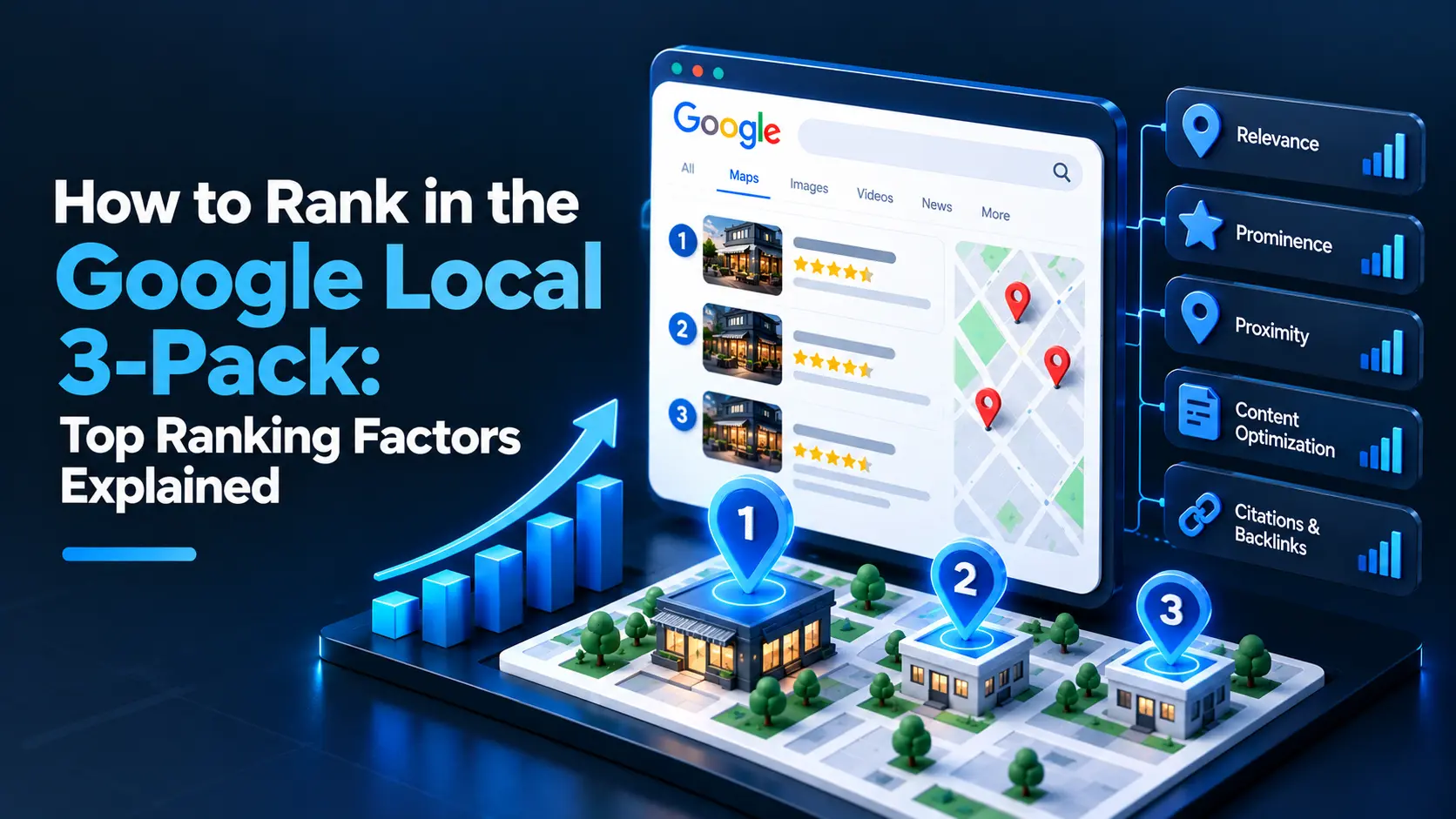
The strongest way to rank in the Google local 3-pack is to make your business relevant to a search, clearly located near the searcher, and trusted through accurate information and genuine customer feedback. Keep your Google Business Profile complete, build consistent local signals, earn and respond to reviews, and track visibility across your service area; no tactic can guarantee a particular position.
What is the Google local 3-pack?
The local 3-pack is the group of local business listings Google may show prominently in Search for queries with local intent, such as “plumber near me” or “coffee shop in Austin.” It can include a map, business details, reviews, and links to call or visit a website. Google may show a different format—or no 3-pack—depending on the query, device, and location.
Google describes local results as being based mainly on relevance, distance, and prominence. You cannot control a searcher’s location, but you can improve how clearly your business matches a query and how confidently Google and potential customers can assess it.
What are the main Google local 3-pack ranking factors?
Relevance: Does your business match the search?
Relevance is how well your profile and other information match what someone is looking for. A complete, accurate profile gives Google useful information about your business, services, and location.
To improve relevance:
- Choose the most accurate primary business category. Add secondary categories only when they genuinely describe services you provide.
- Fill in available profile fields, including hours, contact details, services, and business description.
- Describe your real offerings in plain language on your website and relevant profile sections.
- Create useful service or location pages when they help customers, rather than making thin pages that repeat keywords.
- Keep your business name as it appears in the real world. Do not add service keywords, locations, or slogans to the name unless they are genuinely part of it.
A profile audit can help uncover missing fields, outdated details, and category mismatches. Local marketers can use this 30-point Google Business Profile audit checklist to review the essentials systematically.
Distance: How close is the business to the searcher?
Distance is the proximity between the searcher—or the location Google associates with the search—and a business. This factor is largely outside your control. A business cannot legitimately change its address or create a fake location just to appear closer to more searchers.
Use the address or service-area settings that accurately reflect your business and follow Google’s eligibility rules. If you serve customers at their locations and do not receive them at your address, configure the profile as a service-area business and hide the address when required. Do not use a virtual office or an ineligible location as a shortcut.
Because visibility can vary by neighborhood, do not judge local performance from one search made at your own location. Check rankings across a realistic area and compare the results with the places you actually serve.
Prominence: How established and trusted is the business?
Prominence reflects how well-known a business appears to be. Google can consider information from across the web, including links, mentions, and reviews, as well as details associated with the business’s profile. There is no single prominence score you can optimize directly.
Build prominence through real-world business activity and consistent public information:
- Earn relevant links and mentions from local organizations, professional associations, suppliers, and community publications.
- Keep your business name, address, phone number, and website accurate across important directories and platforms.
- Ask customers for honest reviews without pressure or reward.
- Respond to reviews professionally, including critical feedback.
- Publish useful website content that demonstrates your services and local expertise.
Avoid buying links, creating fake listings, or using misleading claims. These shortcuts can damage trust and may violate platform policies.
How should you optimize your Google Business Profile?
Treat your profile as a customer-facing source of truth, not a place to add as many keywords as possible. Review it regularly, especially after changes to your hours, services, phone number, or business location.
Use this practical checklist:
- Confirm eligibility and ownership. Make sure the business meets Google’s requirements and that the right person controls the profile.
- Verify core details. Check the real-world business name, address or service area, phone number, website, and hours.
- Review categories. Select the closest accurate primary category, then add only relevant secondary categories.
- Complete useful fields. Add services, attributes, and a clear description where available and applicable.
- Add current photos. Use genuine images that help customers understand the location, team, products, or work. Keep them representative and up to date.
- Check customer actions. Test the website link, phone number, booking link, and other enabled options.
- Monitor changes. Review the profile for suggested edits or unexpected changes and correct inaccuracies promptly.
A Google Business Profile audit can help organize these checks, while profile monitoring and editing tools can make it easier to spot and address changes.
How do reviews affect local 3-pack rankings?
Reviews can contribute to prominence and strongly influence whether a potential customer chooses your business. Focus on earning a steady flow of genuine feedback and responding in a way that is helpful, calm, and specific.
Make review requests part of a normal customer follow-up. You may invite customers to share an honest account of their experience, but Google prohibits incentives for reviews and review gating. Do not offer discounts or gifts in exchange for reviews, ask only happy customers to post publicly, or discourage customers from leaving negative feedback.
When responding, thank the reviewer where appropriate, address the issue without sharing private information, and offer a suitable next step. A professional reply can show future customers that you take feedback seriously. Review request tools and review management with AI-assisted replies can help teams handle the process consistently; review every suggested response before publishing it.
How do your website and local citations support rankings?
Your website helps explain what you offer, where you operate, and why a customer should trust you. Make sure the business name, contact details, services, and location information agree with your profile. Use clear navigation, mobile-friendly pages, and working contact options.
Create pages for genuine services and locations you serve. Each page should provide useful, distinct information—not just a swapped city name. Add structured data only when it accurately describes visible page content and follows Google’s guidelines. Structured data can help search engines interpret a page, but it does not guarantee a rich result or a higher local ranking.
Citations are mentions of your business details on directories and other websites. Correct important listings where customers or search engines may encounter them. You do not need to submit your business to every directory; prioritize accuracy and relevance over volume.
How can you measure Google local 3-pack rankings?
Local results change by searcher location, query, device, and time. A single manual search is not a reliable picture of your coverage. Track a focused set of searches that reflect your real services and check them across the neighborhoods or towns you serve.
Measure more than position. Review profile views and customer actions where available, website visits from local searches, calls, direction requests, and qualified leads. Compare changes over time and note profile edits, review activity, website updates, or seasonal shifts that may help explain them.
A geo-grid rank tracker can show how visibility varies across locations instead of reporting only one point. If you want to understand how your business appears in AI-powered search experiences as well, AI visibility monitoring offers a separate view; it does not replace tracking traditional local results.
What should you do first to improve local 3-pack visibility?
Start with accuracy and eligibility, then work through relevance, trust, and measurement. A sensible order is:
- Audit the profile and correct inaccurate or incomplete information.
- Confirm categories, services, hours, and service-area settings.
- Align your website and important directory listings with the profile.
- Set up a compliant process for requesting honest reviews and responding to them.
- Track visibility across the places you serve and review customer actions.
- Improve the pages, profile details, or customer experience that the evidence shows are weakest.
Local SEO is ongoing maintenance, not a one-time profile edit. Make changes that help customers first, follow Google’s rules, and use local ranking data as a diagnostic—not a promise of a fixed position.
Frequently asked questions
How does Google decide which businesses appear in the local 3-pack?
Google says local results are based mainly on relevance, distance, and prominence. Accurate profile details, proximity to the searcher, and signals that establish trust and awareness can all matter.
How long does it take to rank in the Google local 3-pack?
There is no fixed timeline, and no one can guarantee a 3-pack position. Timing depends on factors such as competition, location, profile accuracy, and how quickly your business builds relevant local signals.
Do Google reviews improve local 3-pack rankings?
Reviews can contribute to prominence and help customers decide which business to contact. Ask for honest feedback without incentives or review gating, and respond professionally to positive and negative reviews.
Can I rank in the local 3-pack without a physical storefront?
Eligible service-area businesses can have a Google Business Profile even if they do not serve customers at their address. Set the profile up according to Google’s rules, hide the address when required, and do not use a virtual or ineligible location.
Does adding keywords to my Google Business Profile name help rankings?
Your profile name should match the business name used in the real world. Adding extra keywords or locations that are not part of that name violates Google’s guidelines and can lead to profile problems.
Why do local 3-pack rankings change from one neighborhood to another?
Distance and local context can change with the searcher’s location, query, and device. Track visibility across the areas you serve rather than relying on one search from a single location.