NFC Review Cards vs. QR Codes: Which Generates More Google Reviews?
NFC review cards and QR codes both make it easier for customers to reach your Google review form, but neither guarantees more reviews. Learn how to choose, set up, and test the right option while following Google’s review policies.
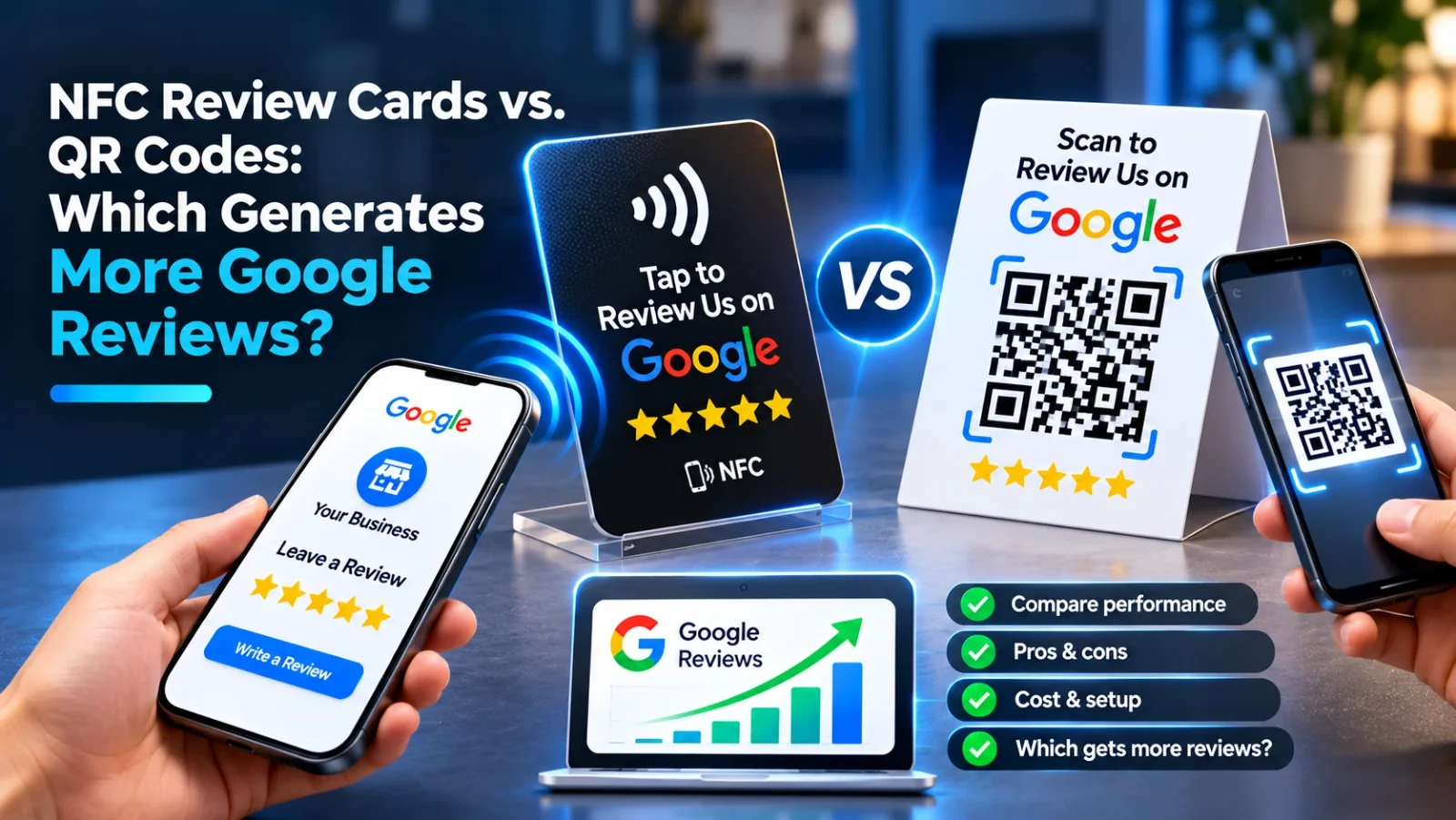
NFC review cards and QR codes can both make it easier for customers to reach your Google review form. Neither automatically generates more reviews: the better option is the one customers can use quickly in your setting, supported by a polite, consistent request and a direct link to your Google review page.
NFC review cards vs QR codes: how do they work?
An NFC review card contains a small chip that opens a link when a customer taps a compatible smartphone against it. A QR code opens a link when the customer points their phone camera at the printed code and scans it.
Both can send customers to your Google Business Profile review form. They do not create or submit a review for the customer; the customer must choose to write and post one.
| Factor | NFC card | QR code |
|---|---|---|
| Customer action | Tap a compatible phone on the card | Open the camera and scan the code |
| Extra equipment | A programmed card or tag | A printed or displayed code |
| Compatibility | Depends on phone settings and NFC support | Depends on a camera or QR-scanning app |
| Best placement | Handouts, counters, tables, checkout | Signs, receipts, menus, packaging, screens |
| Main risk | The customer may not know where to tap | The code may be hard to scan or the customer may skip it |
Which gets more Google reviews: NFC or QR codes?
There is no universal winner. A card may work well when an employee can hand it to a customer and explain the tap. A QR code may work better when customers need a self-serve option they can scan from a sign, receipt, or menu.
The number of reviews you receive depends on more than the format. It also depends on whether the customer had a genuine experience, whether the request feels natural, whether the link works, and whether the customer has time to respond.
Think of NFC and QR as two ways to reduce friction—not as review-generation guarantees. If you are choosing between them, test each in the real place and moment where you plan to ask.
When should a local business use NFC review cards?
NFC cards are useful when a staff member has a natural opportunity to make a personal request, such as after a service appointment, at checkout, or when handing over a completed order.
They can be a good fit for:
- Salons and barbershops, where a team member can offer the card at the end of an appointment.
- Restaurants and cafés, where staff can mention the card after a positive interaction without interrupting the meal.
- Home-service businesses, where a technician can leave or show a card after completing work.
- Retail counters, where customers can tap while paying or collecting an order.
Make the action obvious. Say, “If you’d like to share feedback, you can tap here to open our Google review page.” Put the card where the customer can see it, and include a small instruction such as “Tap your phone here.”
NFC is less suitable as the only option if customers may not know how to use it, their phone settings prevent a tap, or they are uncomfortable tapping an unfamiliar card. Pair it with a QR code or a short, easy-to-type web address when practical.
When should a local business use QR codes?
QR codes work well when customers can scan a visible, stationary code at their own pace. They are easy to reproduce across printed materials and can be used without buying NFC cards.
Consider QR codes for:
- Table tents, counter signs, and waiting-room displays.
- Receipts, takeout packaging, appointment cards, and product inserts.
- A checkout screen or a follow-up message where the code is clearly visible.
- Multiple locations that need consistent printed instructions.
Use a high-contrast code with enough clear space around it. Print it large enough to scan from the distance customers will stand or sit, and test it on different phones before producing materials in quantity. Add a plain-language prompt so customers know what the code does, such as “Scan to leave an honest Google review.”
A QR code can fail if it is too small, distorted, placed behind glare, or printed where customers cannot comfortably point a phone camera. Check the destination link periodically, especially if you use a redirect or a third-party link service.
How do you set up an NFC card or QR code for Google reviews?
Use the direct review link from your Google Business Profile rather than sending customers to a general homepage or a page where they must search for your business.
- Get the correct review link. In your Google Business Profile, find the option to ask for reviews or share your review form. Copy the link and open it in a private browser window to confirm it leads to the right business.
- Choose the format for the setting. Use NFC where staff can explain a tap; use QR codes where customers can scan a display or printed item. You can offer both if customers have different preferences.
- Write a neutral request. Ask for an honest review based on the customer’s experience. Do not ask only customers you expect to be happy, or ask people to give a particular rating.
- Test the full customer journey. Check the tap or scan, the destination, and the steps required to reach the review form. Test on more than one phone if possible.
- Train staff on timing and wording. Make the request brief, optional, and part of a suitable interaction. Do not pressure customers or repeatedly ask after they decline.
- Review performance and maintain materials. Check whether links still work and whether cards or signs are visible and in good condition. If you compare formats, use them in similar locations and situations so the comparison is useful.
A review-request process can also include a follow-up message after a completed transaction. Keep the message relevant and make the review link easy to find. A tool such as LocalRanks Pro Review Requests can help organize review invitations and follow-up workflows.
What does Google allow when asking for reviews?
Google allows businesses to ask customers for reviews that reflect genuine experiences. The request must not manipulate who reviews, what they say, or what rating they give.
Avoid these practices:
- Review gating: Do not ask customers to rate their experience privately and send only satisfied customers to Google. Do not filter review requests based on a customer’s likely sentiment.
- Incentives: Do not offer discounts, gifts, payments, contest entries, or other benefits in exchange for reviews.
- Pressure or coercion: Do not require a review as a condition of service, or ask staff to solicit only positive feedback.
- Suggested wording that controls the review: Do not tell customers to include specific keywords, claims, or a particular star rating.
- Keyword stuffing in your business name: Keep your Google Business Profile name consistent with your real-world business name. Adding service or location keywords that are not part of that name is not a legitimate review strategy.
You can make the process easy without influencing the content. Invite all eligible customers to share honest feedback, and let them decide whether and what to write.
How can you tell which method works better for your business?
Compare the methods using a simple, fair test rather than assuming one format is better. For example, use NFC cards at one suitable checkout point and QR signs at another comparable point, then review the number of completed reviews over a consistent period. Keep the request wording, staff approach, and customer experience as similar as possible.
Track operational signals as well as review counts:
- Do customers understand what to do without extra explanation?
- Can they open the review form quickly and reliably?
- Do staff remember to offer the option at the right moment?
- Are signs and cards visible, accessible, and in good condition?
- Are customers choosing to leave reviews without feeling pressured?
Do not treat a short test as proof that one format will always win. Customer volume, seasonality, staff habits, and the type of interaction can affect results. Choose the setup that is easiest to maintain and most comfortable for your customers, then revisit it when your process or location changes.
How do review tools fit into a local SEO process?
NFC cards and QR codes help customers reach a review form, but they do not replace the work of managing your Google Business Profile. Responding to reviews, keeping business details accurate, and monitoring local visibility are separate parts of a well-run local presence.
For example, businesses can use LocalRanks Pro Review Management & AI Replies to help manage review responses alongside their request process. Keep any response accurate, specific, and appropriate to the customer’s comments; automation should not lead to generic or misleading replies.
The practical choice is straightforward: use NFC when a personal handoff makes a tap easy, use QR codes when a visible self-serve prompt fits the customer journey, and offer both when that removes barriers. In every case, send customers to the correct Google review form, ask neutrally, and follow Google’s policies.
Frequently asked questions
Do NFC review cards work on every phone?
No. NFC support and settings vary by phone, so some customers may not know how to tap or may have NFC disabled. Test your card on common devices and offer a QR code or another way to reach the review link.
Can a QR code take customers directly to a Google review form?
Yes, if the QR code contains the correct Google review link for your business. Test the code before printing and check that it opens the intended review form on a phone.
Can I offer a discount for leaving a Google review?
No. Google prohibits incentives in exchange for reviews, including discounts, gifts, payments, or contest entries. Ask customers for honest feedback without offering a reward or requesting a particular rating.
Is it against Google’s rules to ask only happy customers for reviews?
Yes, filtering requests to send only likely satisfied customers to Google is review gating. Invite eligible customers broadly and let each person decide whether to leave feedback.
Should my business use NFC and QR codes together?
Using both can help customers choose the method that feels easiest, especially when staff make personal requests and signs provide a self-serve option. Make sure both lead to the same correct review form and use neutral wording.