How to Perform a Google Business Profile Audit: 30-Point Checklist
This guide provides a detailed 30-point checklist for local business owners to audit their Google Business Profile effectively, ensuring optimal visibility and engagement.
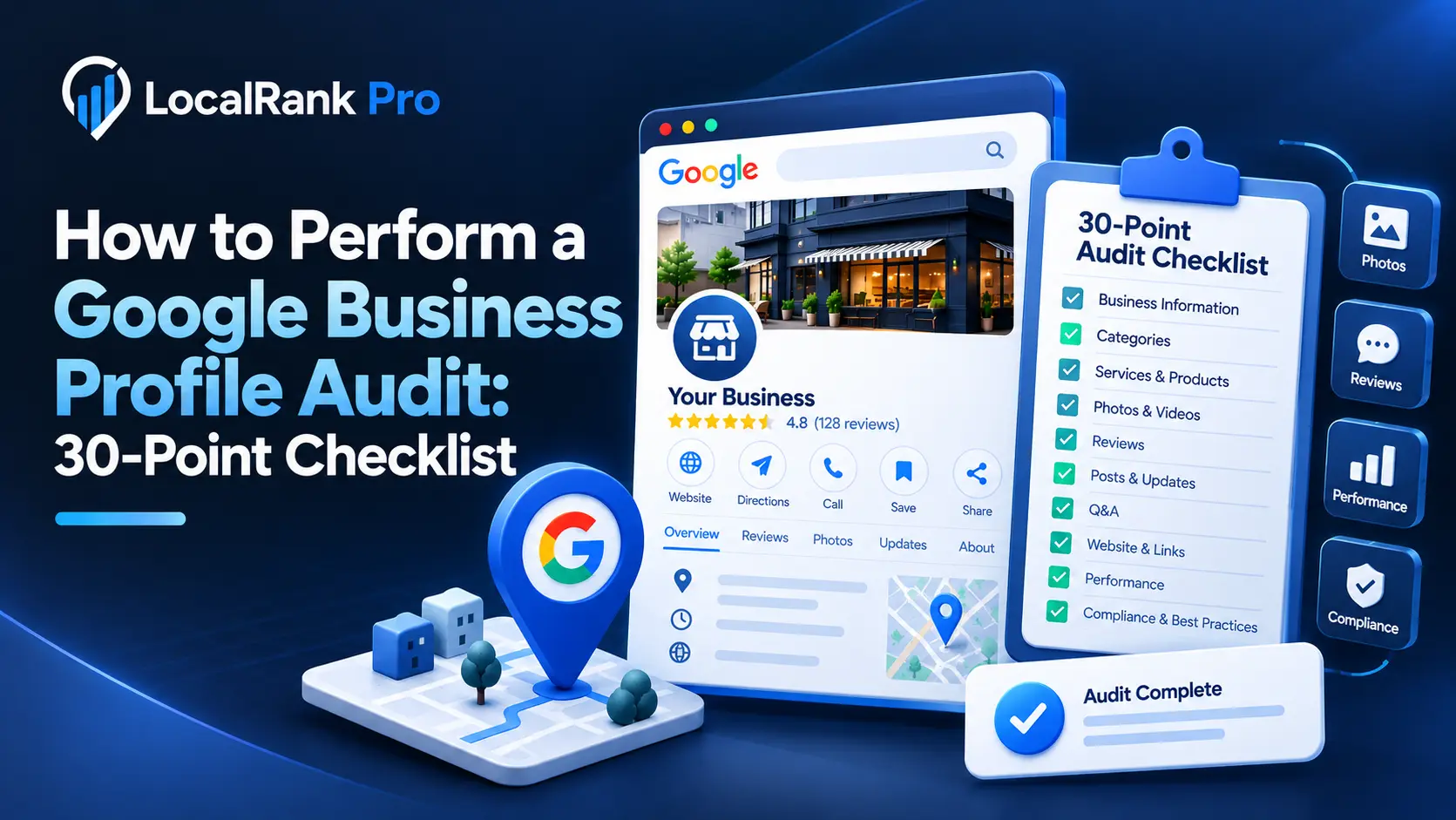
How to Perform a Google Business Profile Audit: 30-Point Checklist
A Google Business Profile (GBP) audit is essential for local businesses to ensure their online presence is optimized for visibility and engagement. This checklist will guide you through 30 key elements to evaluate, helping you identify areas for improvement in your GBP.
Why Conduct a GBP Audit?
Conducting a GBP audit helps you understand how effectively your profile attracts potential customers. A well-optimized GBP can enhance your local search ranking, increase traffic to your website, and ultimately drive more conversions.
The GBP Audit Checklist
Here’s a comprehensive 30-point checklist to conduct your Google Business Profile audit, divided into key categories for easier navigation:
1. Business Information
- Business Name: Ensure your business name is accurate and matches your branding. Avoid keyword stuffing.
- Address: Verify that your address is correct and formatted consistently across all platforms.
- Phone Number: Check that your phone number is correct and local to your business area.
- Website URL: Confirm that your website link is active and directs users to the correct page.
- Business Category: Ensure you’ve selected the most relevant primary and secondary categories for your business.
2. Description and Attributes
- Business Description: Review your business description to ensure it is concise, informative, and includes relevant keywords without overstuffing.
- Attributes: Check that you have selected all applicable attributes (e.g., wheelchair accessibility, outdoor seating).
3. Photos and Videos
- Profile Photo: Ensure your profile photo is high-quality and represents your business well.
- Cover Photo: Check that your cover photo is engaging and relevant to your services.
- Additional Photos: Regularly add new images of your products, services, and team to keep your profile fresh.
- Videos: Upload promotional videos or customer testimonials to enhance engagement.
4. Reviews
- Review Monitoring: Regularly check for new reviews and respond promptly to demonstrate engagement.
- Review Requests: Use a systematic process for requesting reviews from satisfied customers. Learn more about review requests.
- Review Management: Ensure you are managing and responding to negative reviews professionally.
- AI Replies: Consider using AI tools for efficient review responses. Explore AI replies.
5. Posts and Updates
- Google Posts: Regularly create and update posts to share news, offers, or events. Check out our Google Post Scheduler.
- Event Updates: Post about upcoming events to engage with your audience.
- Promotional Offers: Share limited-time offers to attract new customers.
6. Insights and Analytics
- Performance Insights: Review your GBP performance metrics to understand how customers are interacting with your profile.
- Customer Actions: Analyze what actions users are taking on your profile (e.g., visiting your website, requesting directions).
7. Questions and Answers
- Q&A Section: Monitor the Q&A section for user queries and provide timely answers to enhance customer service.
- Preemptive Answers: Add common questions and answers to preemptively assist potential customers.
8. Location and Maps
- Location Accuracy: Ensure your location is accurately pinned on Google Maps.
- Service Areas: Define your service areas clearly, especially if you serve multiple locations.
9. Compliance with Google Guidelines
- Policy Adherence: Ensure compliance with Google’s guidelines, including no review gating or incentivizing reviews.
- Content Standards: Review your content for adherence to Google’s content policies.
10. Additional Features
- Website Schema Markup: Implement LocalBusiness schema markup on your website to enhance search visibility. Learn more about schema markup.
- Chatbot Integration: Consider integrating an AI website chatbot to assist visitors in real-time. Discover AI chatbots.
- Profile Monitoring: Regularly monitor your profile for any changes or updates needed. Find out about profile monitoring.
- Geo-Grid Rank Tracking: Use tools to track your local search ranking over time. Explore our Geo-Grid Rank Tracker.
Conclusion
Performing a thorough GBP audit is crucial for maintaining a strong local presence and attracting potential customers. By following this GBP audit checklist, you can identify gaps and opportunities for improvement.
Ready to find the gaps in your Google Business Profile?
Run our free 60-second audit to get your 0–100 score and a prioritized fix list. No sign-up needed. Start your free audit here.
Frequently asked questions
What is a Google Business Profile audit?
A Google Business Profile audit involves reviewing and optimizing your GBP to ensure it effectively attracts and engages potential customers.
How often should I perform a GBP audit?
It's recommended to perform a GBP audit at least quarterly to keep your profile updated and optimized for local search.
What are the key benefits of a GBP audit?
A GBP audit can improve your local search ranking, increase website traffic, and enhance customer engagement through accurate and up-to-date information.
Can I use software to help with my GBP audit?
Yes, tools like LocalRanks Pro offer features that assist in performing a GBP audit, such as monitoring performance and managing reviews.
What should I do if I find errors during my GBP audit?
If you find errors during your audit, promptly correct them to ensure your information is accurate, which can help improve your local search visibility.