Primary vs. Secondary GMB Categories: How to Choose the Right Combination
Choose a primary Google Business Profile category that describes the business’s core activity, then add only secondary categories that reflect genuine business types. This practical GMB categories guide covers research, common mistakes, measurement, and multi-location strategy.
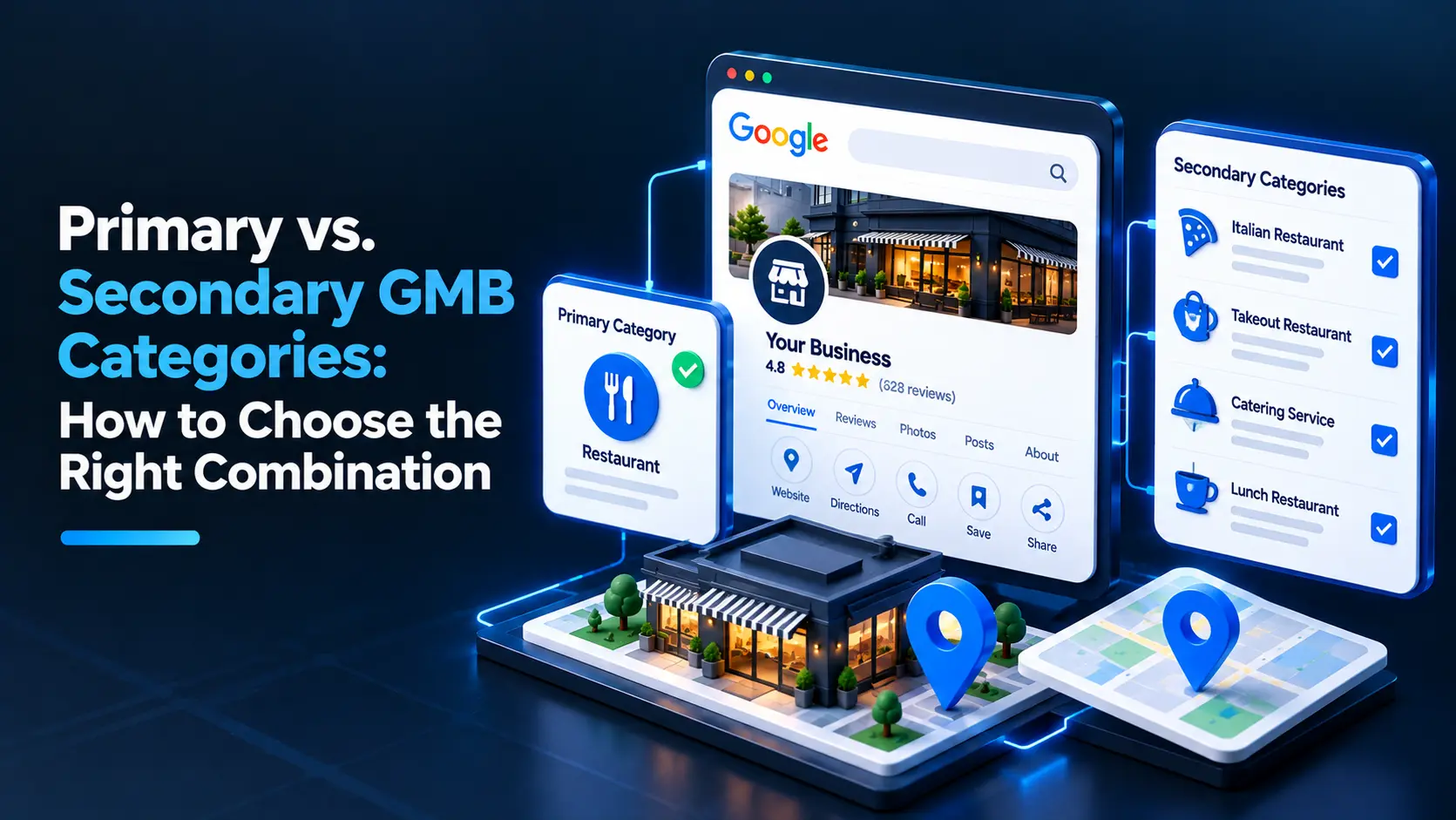
Your primary Google Business Profile category should describe the business’s main activity, while secondary categories should cover other services the business genuinely provides. Choose the narrowest accurate primary category, then add only relevant secondary categories—more categories do not automatically mean better visibility.
What are primary and secondary GMB categories?
Google Business Profile categories help Google understand what a business does and determine which searches may be relevant to it. “GMB” is the former name for Google My Business; the current product is Google Business Profile, but marketers still commonly search for a GMB categories guide.
The primary category is the main classification of the business. It is typically the strongest category signal in the profile, so it should reflect the business’s central purpose—not simply the service with the most attractive keywords.
Secondary categories describe additional business types or services that are also a real part of the operation. They add context, but they do not replace the need for a clear primary category.
For example, a company whose main business is plumbing might use “Plumber” as its primary category and add another category only if it genuinely operates as a separate, recognized type of business. The exact options depend on Google’s available category list.
How do you choose the right primary GMB category?
Start with what customers hire the business to do most fundamentally. Consider the business model, its main service, how it presents itself to customers, and the category options Google actually provides.
Use this process:
- Describe the business in one plain sentence. For example: “We repair residential heating systems” or “We provide dental care.”
- Search Google’s category options. Category names are predefined; you cannot create a custom category. Look for the closest accurate match rather than a phrase that merely sounds similar to a target keyword.
- Check what the business actually delivers. The category must represent a real activity, not an aspirational service or a service the business refers elsewhere.
- Compare close alternatives. If two categories seem plausible, check their definitions and how well each describes the business’s core offer. Do not choose based only on the search results you hope to influence.
- Keep the category consistent with the rest of the profile. The website, services, business description, and customer experience should support the same basic business identity.
A useful test for agency strategists is: if a customer saw only the business name and primary category, would they correctly understand what kind of business it is? If not, revisit the choice.
How should you choose secondary categories?
Add a secondary category when it describes another meaningful business type the company operates as—not just an individual task, product, or keyword. A category should help explain the business, rather than act as a list of every possible search term.
Before adding one, ask:
- Does the business actively provide this service or operate in this business type?
- Is it a meaningful part of the offer, rather than an occasional or incidental task?
- Is there a Google category that accurately describes it?
- Would a customer reasonably expect to find this business under that category?
- Can the business support the claim with relevant website content, service information, and real customer-facing operations?
If the answer is no, leave it out. A business can offer many services without needing a separate category for each one. Use the profile’s service fields and the website to explain the specific work the business performs.
How many GMB categories should a business use?
Use as many categories as are needed to describe the business accurately, and no more. Google allows businesses to select categories from its list, but the right number depends on how many distinct business types the company genuinely represents.
Avoid adding categories just because a competitor uses them or because they appear to be popular. A competitor may have a different business model, and a category that is accurate for one company may misrepresent another. Category selection is not a checklist where filling every available slot improves performance.
For a multi-service business, distinguish between business types and services. A company may provide several related services while still operating as one type of business. In that case, one primary category and a small set of truly applicable secondary categories may be more accurate than a long list.
How can you research categories for a local SEO client?
Agency strategists should combine business discovery with category research. Do not begin by copying competitors or changing categories based on a single ranking observation.
1. Interview the client about the business model
Ask what the company is hired for most often, which services it delivers directly, and whether different divisions operate under the same brand and location. Clarify whether a service is ongoing, occasional, subcontracted, or no longer offered.
2. Review Google’s available category choices
Look for the closest accurate options in the profile’s category selector. Category availability and wording can change, so verify the current options rather than relying on an old spreadsheet or a third-party list alone.
3. Compare relevant local competitors carefully
Competitor profiles can reveal category choices worth investigating, but they are not proof that those choices are correct. Compare businesses with similar services, operating models, and customer audiences. Treat competitor categories as research leads, not instructions.
4. Check the website and customer journey
Confirm that the category aligns with the services described on the website and the way customers contact or visit the business. If the profile claims a business type that the site does not support, resolve the mismatch before treating the category as a sound choice.
5. Record the rationale
For each selected category, note what business activity it represents and what evidence supports it. This makes approvals easier and gives the team a clear basis for future profile reviews.
What category mistakes should businesses avoid?
Choosing a broad category when a precise one fits
A broad category may fail to describe the business clearly when Google offers a more specific, accurate option. Compare the available choices, but do not force a narrow label that does not fit the actual operation.
Adding categories for every service or keyword
Categories are business classifications, not a keyword field. Adding loosely related options can make the profile less accurate and create confusion about what the company actually does.
Copying a competitor without checking the facts
A competitor’s category may reflect a different service mix, a different location, or an error. Make decisions based on the client’s real operations and Google’s current category options.
Treating a category change as a guaranteed ranking fix
A relevant category can help Google understand the business, but no category guarantees a particular ranking. Local visibility also depends on other factors, including relevance, distance, and prominence, as well as the searcher’s context.
Changing categories repeatedly without a reason
Frequent changes make it difficult to assess what is happening and can introduce avoidable profile-management issues. Make a change when the existing category is inaccurate, the business has materially changed, or a careful review supports a better fit. Track the change and evaluate visibility over time rather than judging it immediately.
Using the business name as a keyword field
Do not add services, locations, or search terms to the business name unless they are genuinely part of the real-world business name. Google’s guidelines prohibit unnecessary keyword stuffing in business names. Categories should be used to describe the business; they are not a reason to alter its name.
How should you measure the impact of a category change?
First, document the current primary and secondary categories, the reason for the proposed change, and the date it is made. Then monitor relevant searches and profile performance over a reasonable period, while noting other changes that could affect visibility, such as new content, reviews, competition, or seasonality.
Use location-aware reporting where possible. A business may appear differently across neighborhoods, so a single search from one location does not show the full local picture. A Geo-Grid Rank Tracker can help agencies examine visibility across a service area and compare patterns over time.
Also review the profile for accuracy and completeness. A Google Business Profile audit can help teams identify profile issues to investigate alongside category selection. Treat these tools as aids to analysis, not proof that a category change caused a ranking movement.
What is the best category strategy for multi-location businesses?
Do not assume every location should have identical categories. Use a consistent standard, but check each location’s actual services, staffing, and customer-facing operations. A category that accurately describes one branch may not describe another.
For a multi-location rollout:
- Define the brand’s standard primary category and the conditions for using it.
- Set rules for secondary categories based on services available at each location.
- Confirm local exceptions with the people responsible for those branches.
- Keep a record of approved categories and the reason for any variation.
- Recheck categories when a location changes its services or business model.
This approach gives the agency consistency without forcing inaccurate uniformity. The right combination is the one that accurately represents each profile and is supported by the business’s real operations.
Frequently asked questions
What is the difference between a primary and secondary Google Business Profile category?
The primary category describes the business’s main activity, while secondary categories describe other genuine business types it operates as. Neither should be used as a list of keywords or every service offered.
Can I choose more than one primary category on Google Business Profile?
No. A profile has one primary category, with the option to add relevant secondary categories. Choose the primary category that most accurately represents the business’s core activity.
How many secondary categories should I add?
Add only the secondary categories that accurately describe meaningful parts of the business. There is no ideal number for every business, and adding irrelevant categories does not guarantee better visibility.
Do Google Business Profile categories affect local rankings?
Categories help Google understand what a business does and can influence relevance for local searches. They do not guarantee rankings, which can also depend on factors such as distance, prominence, and the search context.
Should I copy the categories used by local competitors?
Use competitor categories as ideas to investigate, not as a template. Confirm that each category is available and accurately describes your own business’s real services and operations.
Can I change my Google Business Profile categories later?
Yes, you can update categories when the current selection is inaccurate or the business’s operations change. Record why you made the change and monitor performance over time rather than expecting an immediate ranking result.