What Is GMB? A Complete Guide to Google GMB Profiles
This guide explains what GMB (Google My Business) is, how to create and optimize a Google Business Profile, and its importance for local SEO.
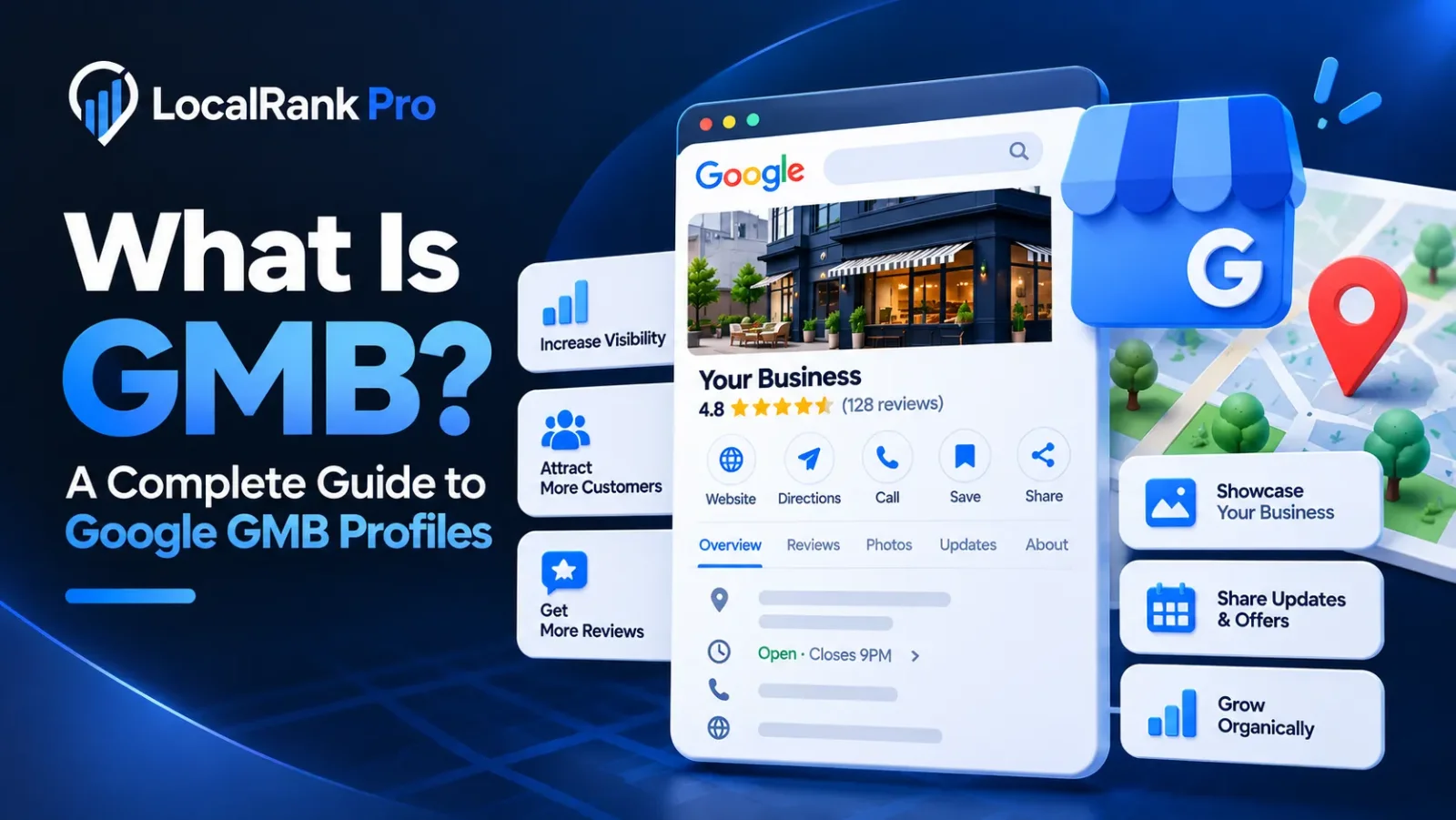
What Is GMB? A Complete Guide to Google GMB Profiles
Google My Business (GMB) was a tool that allowed businesses to manage their online presence across Google, including Search and Maps. Recently, Google rebranded GMB to Google Business Profile (GBP), but many still refer to it as GMB. This guide explores what GMB is, how it works, and why it’s crucial for local businesses.
What Is a GMB Profile?
A GMB profile, now known as a Google Business Profile, is a free business listing that appears on Google Search and Google Maps. Here’s what a typical GMB profile contains:
- Business Name: Your official business name as registered.
- Address/Service Area: Your physical location or areas you serve.
- Phone Number: A contact number for customers.
- Website: Your business’s website link.
- Opening Hours: Times when your business is open to customers.
- Photos: Images showcasing your business, products, or services.
- Reviews: Customer feedback and ratings.
- Services/Products: A detailed list of what you offer.
- Posts/Updates: Announcements or promotions you want to share.
What Is Google GMB Used For?
Businesses use their GMB profile for various purposes, including:
- Appear in Google Search: Increase visibility when users search for relevant terms.
- Appear on Google Maps: Help customers find your location easily.
- Get Phone Calls: Allow customers to call directly from search results.
- Receive Website Visits: Drive traffic to your website.
- Get Directions: Provide easy navigation to your business.
- Generate Enquiries: Attract potential customers.
- Build Trust Through Reviews: Showcase customer satisfaction and credibility.
Why Is a Google GMB Profile Important for Local SEO?
A well-optimized Google Business Profile is essential for local SEO for several reasons:
- Local Search Visibility: Enhances your chances of appearing in local search results.
- Google Maps Rankings: Improves your position on Google Maps, making it easier for customers to find you.
- Local Customers: Attracts more foot traffic from nearby consumers.
- Reviews and Reputation: Positive reviews can significantly influence potential customers.
- NAP Consistency: Ensures your Name, Address, and Phone number are consistent across the web, boosting credibility.
- Relevance, Distance and Prominence: Google uses these factors to rank businesses, making it crucial to optimize your profile.
How to Create a GMB Profile
Creating a GMB profile is straightforward. Here’s a step-by-step guide:
- Sign in to Google: Use your Google account to access the GMB platform.
- Create or Claim the Business: Search for your business; if it exists, claim it. If not, create a new listing.
- Enter Business Information: Fill in the necessary details like name, address, and phone number.
- Select Business Category: Choose the most relevant category for your business.
- Add Contact Details: Include your phone number and website link.
- Add Photos: Upload high-quality images that represent your business.
- Verify the Business: Follow the verification process, which may involve receiving a postcard from Google.
- Complete and Optimise the Profile: Ensure all information is accurate and complete.
How to Optimise Your GMB Profile
To improve your Google Business Profile’s visibility and effectiveness, consider these optimization tips:
- Choose the Right Primary Category: This helps Google understand your business type.
- Add Relevant Secondary Categories: Include additional categories that describe your services.
- Complete Every Field: Fill in all sections to provide comprehensive information.
- Add High-Quality Photos: Regularly update your gallery with professional images.
- Keep Opening Hours Updated: Ensure customers have the correct business hours.
- Add Services/Products: Clearly list what you offer.
- Publish Regular Updates: Share news, offers, or events to engage customers.
- Get Genuine Customer Reviews: Encourage satisfied customers to leave feedback.
- Respond to Reviews: Show appreciation for positive feedback and address any negative comments.
- Keep Business Information Consistent: Ensure that details match across all platforms and directories.
GMB vs Google Business Profile: What's the Difference?
The primary difference is that GMB is the old name, while Google Business Profile is the current branding. Although Google has changed the terminology, many users still search for GMB, so understanding both terms is beneficial for effective communication.
How Much Does a GMB Profile Cost?
Creating and managing a Google Business Profile is free. However, businesses may choose to pay for professional services such as setup, optimization, and ongoing management to maximize the benefits of their profile.
Common GMB Mistakes to Avoid
Avoid these common pitfalls when managing your Google Business Profile:
- Keyword Stuffing the Business Name: Use your official business name only.
- Choosing the Wrong Category: Select the most accurate category for your business.
- Fake Reviews: Do not solicit or create fake reviews, as this violates Google’s policies.
- Duplicate Listings: Ensure there’s only one profile for your business.
- Incorrect Business Information: Regularly update your details to avoid misleading customers.
- Ignoring Reviews: Engage with customer feedback to build relationships.
- Using Low-Quality Photos: Invest in high-quality images that reflect your business.
- Creating Profiles for Ineligible Businesses: Ensure your business meets Google’s eligibility requirements before creating a profile.
Frequently asked questions
What is GMB in Google?
GMB stands for Google My Business, which is now called Google Business Profile. It allows businesses to manage their presence on Google Search and Maps.
Is GMB free?
Yes, creating and managing a Google Business Profile is completely free for all businesses.
What is a GMB profile?
A GMB profile is a listing that includes vital information about your business, such as name, address, phone number, and customer reviews.
Is Google GMB still available?
While people still use the term GMB, Google has officially rebranded it as Google Business Profile (GBP).
What is Google My Business called now?
Google My Business is now called Google Business Profile (GBP).
How do I create a GMB profile?
To create a GMB profile, sign in to Google, claim or create your business, and enter the necessary information about your business.
How do I verify my GMB profile?
Verification can be completed through various methods, including receiving a postcard from Google with a verification code. Follow the instructions provided to complete the process.
How do I improve my GMB ranking?
Improve your GMB ranking by optimizing your profile, keeping information updated, encouraging customer reviews, and engaging with your audience regularly.
Can I manage multiple GMB profiles?
Yes, you can manage multiple GMB profiles from a single Google account, making it easier for businesses with multiple locations to maintain their online presence.